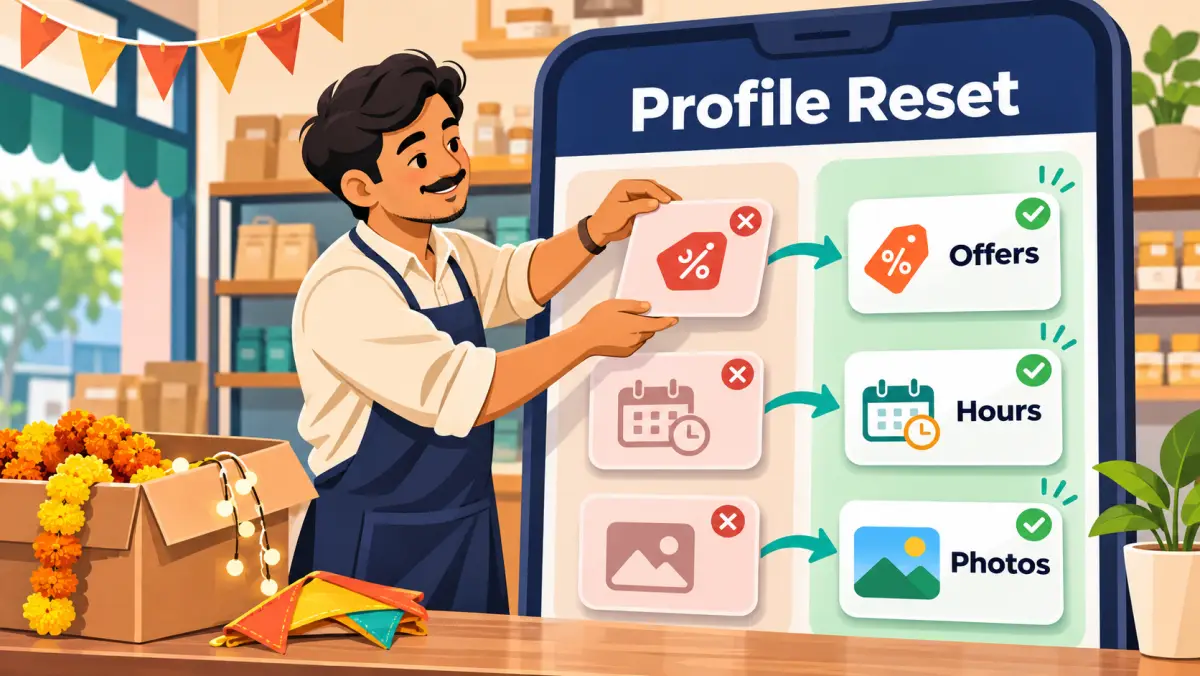
Quick answer: the festival campaign is over, but your Google profile may still show an offer, hour, or photo that no longer matches the real business. A 15-minute reset protects the next customer's decision.
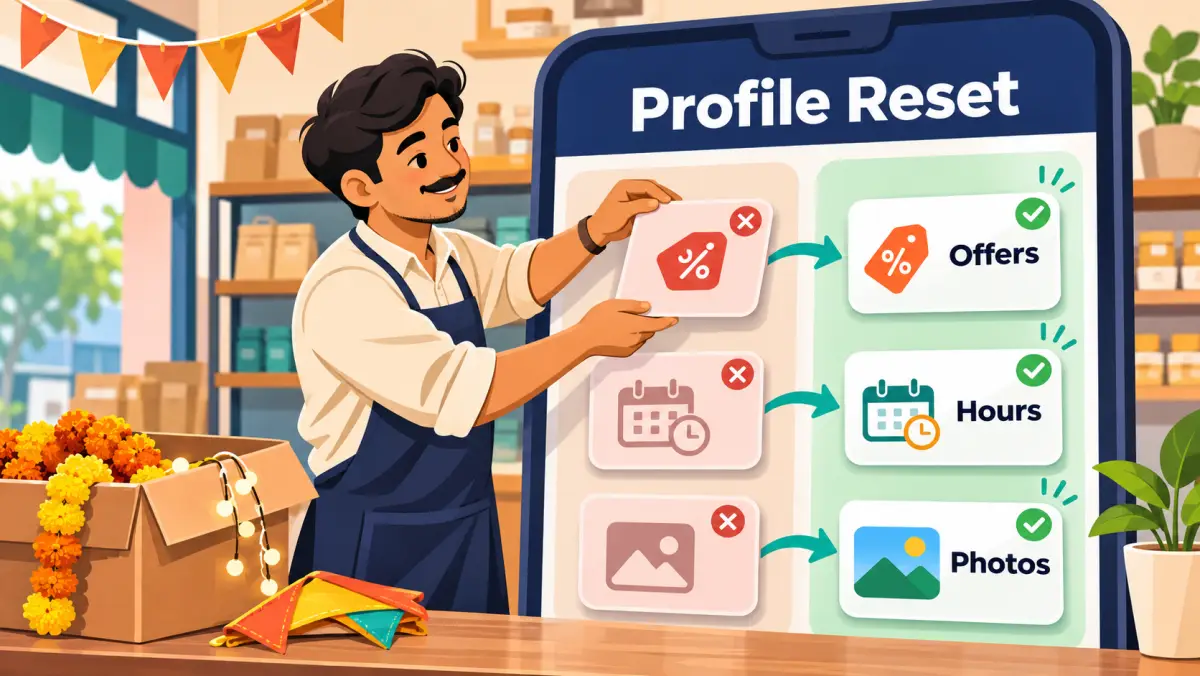
Run the reset in the order customers notice it
- 01OffersEnd, replace, or correct any festival deal that is no longer available.4 min
- 02HoursRestore normal hours or set the next special-hours exception.5 min
- 03ProofReplace a time-sensitive post with one current product, service, or photo.6 min
Start with the promise a customer can act on. Google's India Business Profile page says a Profile can share current information, offers, and updates on Search and Maps; its 2026 best-practices playbook emphasizes keeping regular, special, and holiday hours accurate.
Retire the offer before it turns into a bad customer experience
Old festival offer
- The title implies a deal still exists.
- The customer arrives expecting an expired product or price.
- The team has to explain the mismatch.
Current local update
- The offer is ended or its real end date is clear.
- The update shows today's product or service.
- The action works for the customer right now.
Use the right post type for the next message. Google's post-management guide explains the difference between updates, offers, and events, including the dates required for offers. It also notes that ordinary posts are archived after six months unless they have a date range.
Restore real hours, then test the public customer path
Stand where a new customer stands
- Call: ring the public number once.
- Directions: open Maps and check the destination pin.
- Action: tap the booking, menu, catalogue, or website link.
If a customer cannot complete the next step on their phone, fix that before making another post.
Use special hours only for genuine exceptions. Follow Google's special-hours instructions when a future holiday changes your normal operating time.
Replace the campaign with one durable proof point
Show the real counter, menu, service, or current collection. Use an image a visitor can recognise on arrival.
Share an everyday detail. Think pickup, booking, menu, repair turnaround, or delivery area.
Invite every customer to review their real experience. Keep the public Google review choice open to everyone.
This is where the current tools converge. Dhanda AI promotes ongoing Google profile analysis and social content, while Web Sarathi promotes daily tasks, profile posts, and review replies. The useful habit is not publishing for its own sake—it is checking that each item represents the business today. See Dhanda AI's product page and Web Sarathi's product page for their current positioning.
Close the reset with a fair feedback habit
Ask once, without pressure: “Thanks for visiting. If you'd like, your Google review helps other local customers find us.”
Do not reward or script the review. Google's official review-link guidance permits businesses to share a link or QR code and prohibits incentives. Use our QR placement guide after a genuine customer experience.
Keep the next weekly routine small
- MondayCheck hours, contact details, and customer actions.
- WednesdayAdd one current photo or useful update.
- FridayReply to new reviews in your own voice.
- MonthlyRepeat the full reset before the next campaign.
Where ReviewPro fits: create a branded current update in ReviewPro Posts, review the words and facts, then publish through your connected Buffer account. For the profile fundamentals, keep our monthly Business Profile audit on the team's checklist.