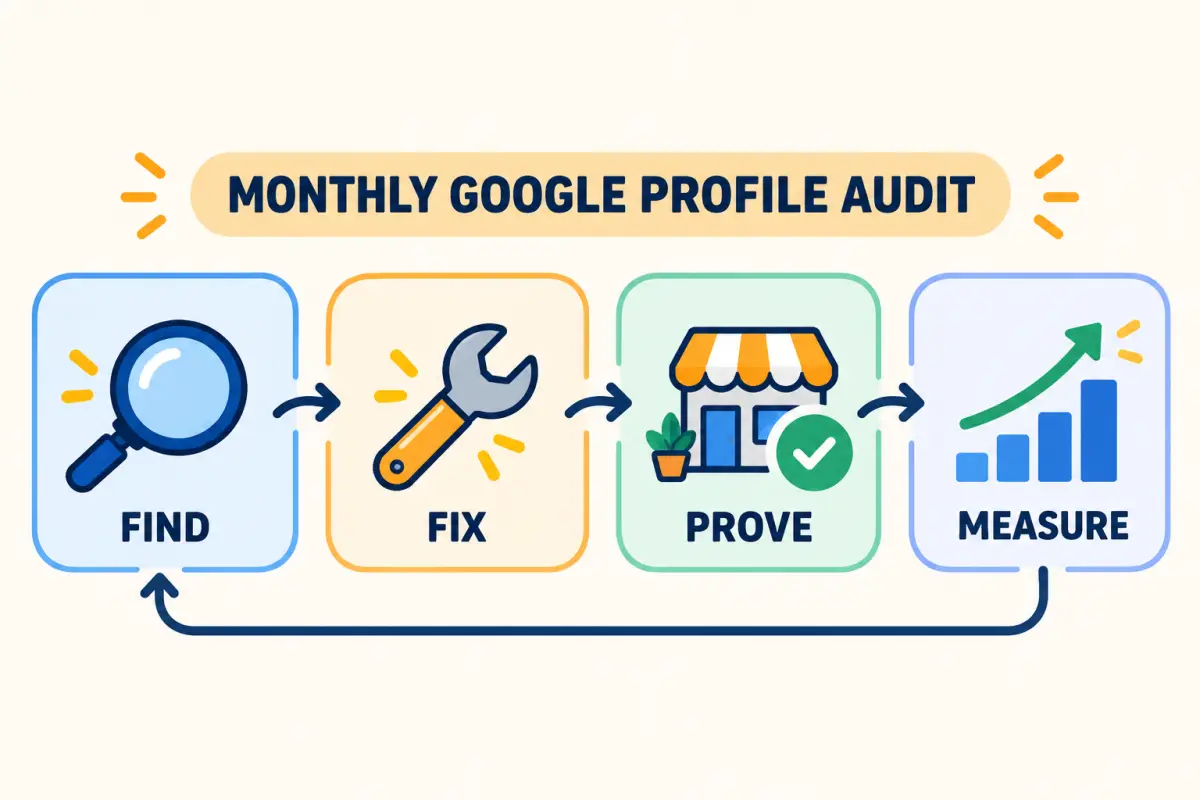
Quick answer: a Google Business Profile audit is a repeatable check of the information, proof, and contact paths that customers see on Google Search and Maps. For an Indian local business, start with ownership, category, phone and hours; then inspect photos, services, reviews, website links, and mobile actions. Fix the items that could cause a customer to choose a nearby competitor today.
This is not a one-time setup task. Your hours change for festivals, your menu or services evolve, staff add photos, and customer questions reveal missing information. Run this audit monthly, and before a seasonal campaign or a new-location launch.
1. Confirm that you control the right profile
Search for your business name, address, and phone number in Google Maps. Confirm that you have owner access to the profile customers actually find. Check for duplicate or old listings created for a previous address, old spelling, or former phone number. A duplicate can split reviews and confuse customers looking for directions.
For a service-area business, make sure the profile represents the real operating model. Do not use an address where customers cannot visit, and do not add areas you cannot genuinely serve. If ownership or verification is incomplete, resolve that before spending time on posts or photos.
2. Check the customer-facing basics from a phone
Use a phone in an incognito browser or ask someone outside your team to check what a customer sees. Test these fields:
- Business name: the real-world name, without extra keywords or offers.
- Primary category: the most specific category that describes the main business.
- Address or service area: accurate, complete, and consistent with your website.
- Phone number: working, answered during listed hours, and easy to tap.
- Hours: including breaks, weekly closures, and upcoming festival or holiday hours.
- Website, booking, menu, or order link: all open the correct mobile page.
These may sound basic, but they influence whether a customer calls, gets directions, or leaves for another result. If your business has several branches, repeat this check for every location rather than copying one branch's details blindly.
3. Review categories, services, and products
Categories tell customers what the business does. Keep one accurate primary category and add secondary categories only for real services. A clinic should not select every medical speciality; a salon should not list bridal services unless it offers them. Overstating the offering creates disappointing enquiries and weakens trust.
Next, inspect services and products. Give each an ordinary customer-facing name, a clear description, and a reliable starting price only when price is meaningful. Add the things people call or message to ask about most often: delivery radius, appointment rules, dietary options, parking, home visits, or payment methods. Your local SEO checklist can help turn those questions into useful site content too.
4. Make the profile visually current
Review the first photos a new customer sees. They should help someone recognise the storefront, assess the product or service, and understand the experience. A practical monthly mix includes:
- One current exterior photo that makes the entrance easy to find.
- One interior, team, room, or work-in-progress photo.
- One product, menu item, completed job, or seasonal display.
- One photo that answers a common practical question, such as parking, accessibility, seating, or packaging.
Remove old visuals after a move, renovation, rebrand, menu change, or discontinued service. Do not rely entirely on polished stock photos: accurate images set better expectations and reduce low-quality enquiries.
5. Audit reviews for customer insight, not just the star average
Read your newest reviews and record the repeated positives, questions, and service problems. A restaurant may see recurring praise for one dish but complaints about wait time; a salon may learn that first-time visitors cannot find parking. Turn the useful patterns into operating improvements, profile updates, and helpful website copy.
Reply to reviews with a specific, human response. For difficult feedback, acknowledge the experience, avoid revealing personal information, and offer an appropriate private way to continue the conversation. See our practical guide on responding to negative Google reviews for a response structure your team can use.
Make it simple for every real customer to leave honest feedback. Google permits businesses to share a review link or QR code in a store, receipt, thank-you email, or chat message, but prohibits offering discounts, gifts, or other incentives in exchange for reviews. Read Google's current review-link and QR-code guidance. ReviewPro's QR flow includes a private feedback form for customers who want to share a concern, while the public Google-review option remains available to every customer.
6. Check the profile against the website and social accounts
Use the same business name, contact details, hours, and service areas across your Google profile, website, Instagram bio, Facebook page, WhatsApp Business profile, and important directories. A customer should not have to decide which phone number or closing time is correct.
Then test your main conversion path. A cafe might send people to a menu or directions page; a salon to booking; a retail shop to its catalogue; a hotel to availability or a room enquiry. ReviewPro customers can connect a local-business website, catalogue, ordering, and review workflow from one dashboard, but every link still deserves a phone test before a campaign starts.
7. Publish updates only when there is real news
Use profile updates for timely, useful information: changed Diwali hours, a new service, a limited menu, a workshop, a genuine seasonal offer with clear terms, or a practical customer tip. Repeated generic creatives rarely help a customer decide. The best update answers one question and gives one clear next action.
For a festive campaign, check the date, offer validity, stock, and business hours before publishing. Use the same source details on the profile, website, WhatsApp message, and social post so customers do not receive conflicting information.
8. Measure actions that lead to revenue
Views alone do not tell you whether the profile is useful. Record the trend in calls, direction requests, website visits, bookings, order clicks, WhatsApp enquiries, review volume, review-response coverage, and recurring feedback themes. Compare the figures month over month, taking seasonality into account.
A sudden drop can be a profile issue, an hours error, a broken link, or simply lower demand. The audit gives you a short list of real things to check before guessing at the cause.
Monthly Google Business Profile audit checklist
Frequently asked questions
How often should a small business audit its Google Business Profile?
Audit the essentials monthly and make immediate changes whenever your hours, address, phone number, service list, booking link, or seasonal availability changes.
Can a Google Business Profile audit improve Google Maps visibility?
It can remove accuracy and conversion problems that stop customers from choosing you. It does not guarantee a specific ranking; the durable aim is to give searchers accurate details, useful evidence, and a clear way to act.
What is the fastest audit fix for a local business?
Test the profile as a customer would on a phone. Correct hours, phone number, directions, and primary links first, then update photos and service information.
Keep going: use our Google Business Profile optimization guide for the setup process, then create a Google review QR code that customers can use after a genuine experience. ReviewPro is free for your first business.