
A lot of local businesses run on an Instagram page and a WhatsApp number, and that works, up to a point. Then a customer asks "do you have a menu link?" or "can I book online?", or Google shows a competitor's website above your listing, and you realise you need a proper page.
Good news: a local business website needs far less than a web agency will try to sell you. One page, done well, is enough for most.
What customers open your site to find
If your site answers those five on a phone in ten seconds, it's done its job. Everything else is decoration.
Instagram-only vs. a simple website
Instagram + WhatsApp only
- Prices buried in old posts
- Hours only in a story highlight
- Nothing to link from Google Maps
- Every order is a chat thread
Instagram + a simple site
- One link with your live catalogue
- Hours and map always visible
- A proper website link on Google
- Orders and bookings come in organised
Keep Instagram. The website just gives it, and your Google listing, somewhere useful to send people.
The sections, top to bottom
| Section | What goes in it | Skip if… |
|---|---|---|
| Header | Name, one line about you, call and WhatsApp buttons | Never skip |
| Catalogue or services | Items with photos and prices, or a service list | Never skip |
| Order or book | Online ordering or an appointment calendar | You only take walk-ins |
| Reviews | Recent Google reviews and a "leave a review" link | You have fewer than five reviews |
| Photos | Your shopfront, inside, team, work | You only have stock photos |
| Find us | Address, landmark, map, hours | Never skip |
Start from a template that fits
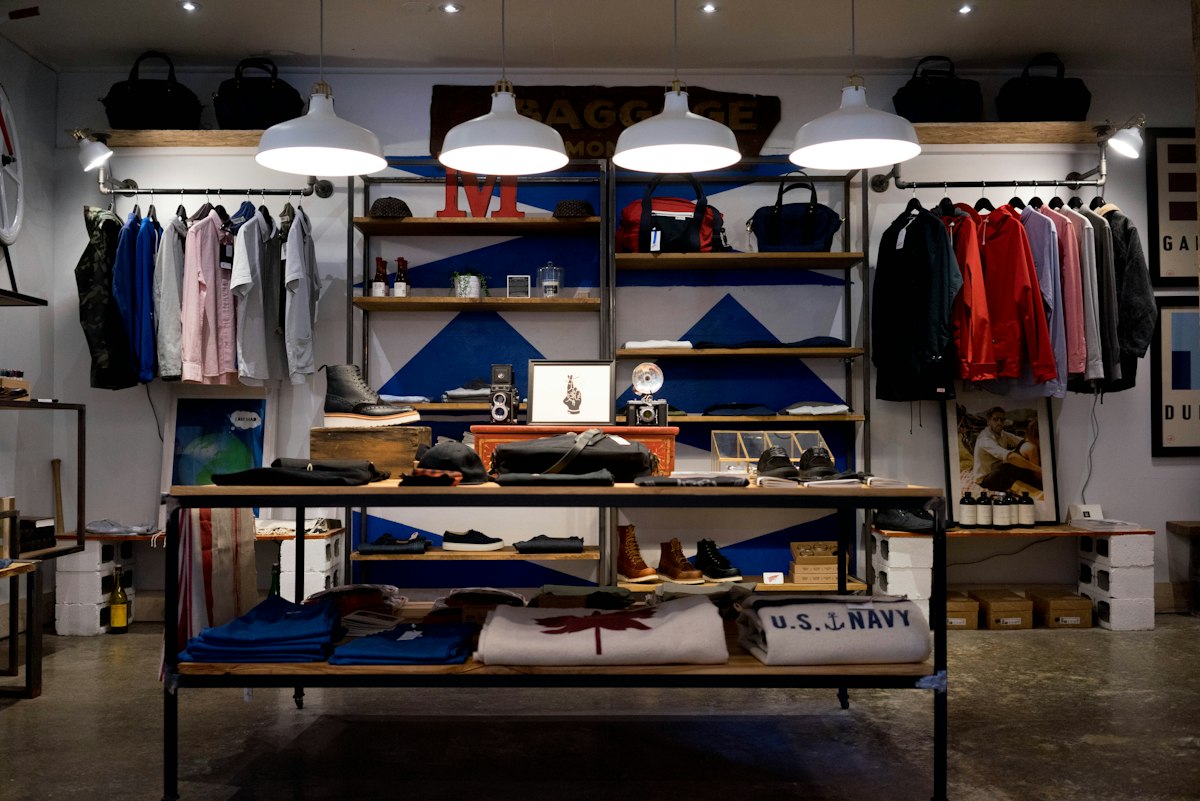
A salon, a clinic and a bakery need different moods and different sections. Start from a design made for your type of business, then change the colours, photos and text. No code involved.
How ReviewPro's Website Builder does it
Pick a template, and your business name, category, contact details, hours, branding and review link fill in automatically from your ReviewPro account. Your item catalogue, online ordering and appointment booking plug straight in, so prices are always the same on the site, the catalogue QR and the counter.
Want something made just for you? Our team can design a custom template for your business. See pricing.
Keep it accurate
An out-of-date website is worse than none. If a customer drives over because your site says "open till 10" and you closed at 8, that's a 1-star review. Update hours before festivals, remove items you've stopped selling, and swap in new photos every few months. Because ReviewPro pulls from one business profile, changing hours or prices once updates them everywhere.
Get it live in an afternoon
- TemplatePick one for your business
- CheckReview the autofilled details
- AddCatalogue, photos, booking
- PublishThen link it from Google and Instagram
Explore the Website Builder, or read our local SEO checklist to make sure people find the site once it's live. See how this works for retail and boutique shops.