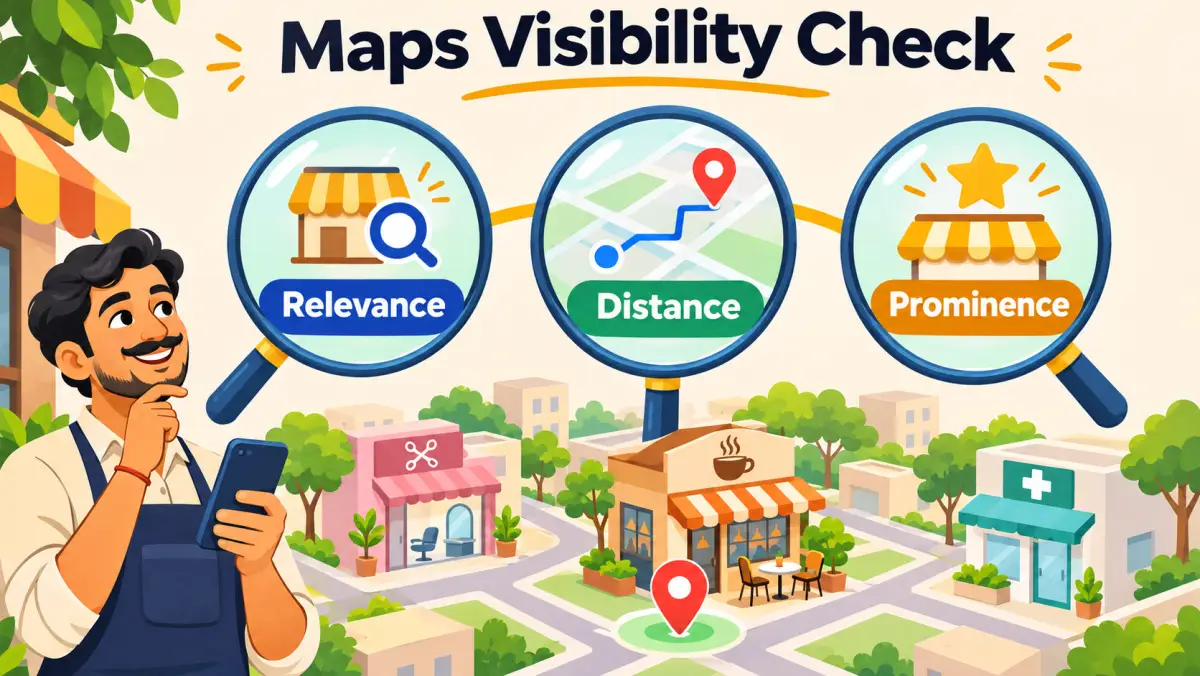
Quick answer: Google says local results mainly consider relevance, distance, and prominence. You can improve how clearly your business is represented and the proof customers see; you cannot choose where a searcher is standing.
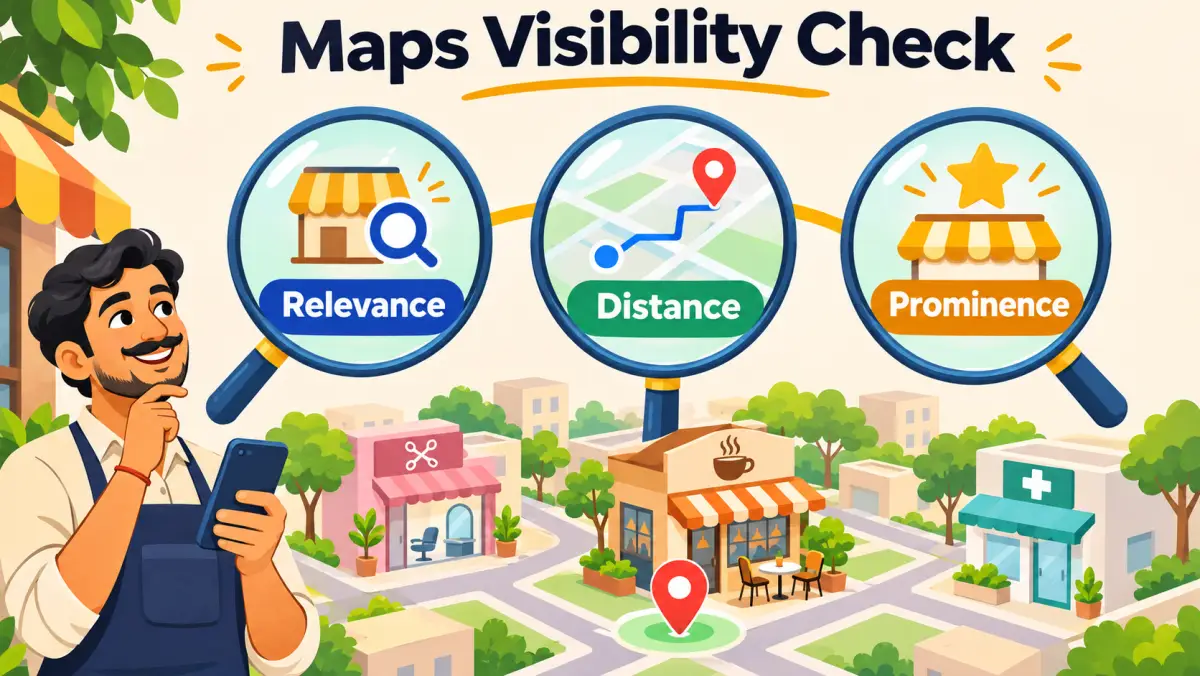
Read the three Maps signals as three different jobs
Use this as your planning model, not a guaranteed formula. Google's local-ranking guidance names relevance, distance, and prominence, and explains that there is no way to request or pay for a better local ranking.
Stop spending time on the actions that cannot change a searcher's location
Do not chase
- Claims of a guaranteed map position.
- Repeated cosmetic posts with no useful local fact.
- Attempts to make the business appear closer than it is.
Build instead
- A complete profile customers can understand.
- A real answer when a customer calls or visits.
- Consistent details across the website and Profile.
Distance is not a task for your team to “fix.” Google says it uses the searcher's location when available, or what it knows about their location. Put your effort into accurate information—the part a nearby customer can immediately use.
Turn competitor-tool promises into a simple weekly operating list
- Hours and special hours
- Primary phone and directions
- Service or category detail
- One recognisable photo
- One useful local update
- New review replies
- Call or WhatsApp answered
- Booking, menu, or website works
- Team knows the offer terms
AI can help prepare the work; an owner still verifies it. Dhanda AI promotes profile analysis and AI content, and Web Sarathi promotes profile audits, ranking checks, reviews, and posts. Their product pages describe useful workflow categories, but no tool can replace checking whether today's local details are true. See Dhanda AI and Web Sarathi for their current product positioning.
Make relevance visible to a customer on one phone screen
Can a new customer understand the next move?
- What: state the genuine category or service.
- When: show the real operating time.
- How: test the call, directions, booking, or menu action.
A complete profile helps Google match the business to relevant searches and helps the customer decide.
Keep the profile and your website aligned. Google says it combines owner-provided details with publicly available web information, licensed data, customer contributions, and its own interactions. Its profile-information guide is a useful reminder to correct your official website and Business Profile together.
Build prominence with genuine customer evidence
Ask once, without pressure: “Thanks for visiting. If you'd like, a Google review helps other local customers find us.”
Invite feedback, but never buy it. Google says more reviews and positive ratings can help local ranking, and its review-link guidance allows a direct link or QR code while prohibiting incentives. Use our Google review QR placement guide after a genuine customer experience.
Keep the Maps routine small enough to repeat
Where ReviewPro fits: use ReviewPro Posts to prepare a branded local update, check each factual detail, then publish through your connected Buffer account. Pair it with our monthly Business Profile audit so accuracy stays ahead of content volume.