
For a lot of your customers, your Google Business Profile is your website. They never click through. They see your hours, your photos, a few reviews, and they either call or move on.
So it's worth setting up properly, once, in the right order. This guide walks through every field that matters, with examples of what to write. If you already have a profile and just want a health check, use the monthly audit instead.
Do it in this order
- VerifyClaim and own it
- BasicsName, category, hours
- DescribeServices and description
- ShowPhotos
- ProveReviews and replies
The order matters because nothing else helps if the basics are wrong. A beautiful photo gallery on a listing with the wrong phone number just sends people to voicemail.
Step 1: Verify and get the basics right
Claim the profile and finish verification. Then fill in the fields customers actually use to decide:
Step 2: Write a description that sounds like you
You get 750 characters. Most businesses either leave it empty or fill it with a list of area names. Neither helps. Say what you do, who for, and one thing that makes you easy to choose.
Keyword soup
- "Best salon in Koramangala, HSR, BTM, Indiranagar, Bangalore. Best haircut, best facial, best price."
Reads like a person
- "Neighbourhood unisex salon in Koramangala 5th Block, open since 2015. Haircuts, colour and bridal makeup. Walk-ins welcome before 4 pm; book evenings on WhatsApp."
The second one mentions the area once, naturally, and answers the questions people actually phone about.
Step 3: List services and products clearly
Add your main services with plain names and a one-line description. Add a starting price only when it's reliable. A clinic might list "Root canal treatment", "Teeth cleaning" and "Braces consultation". A bakery might list "Custom birthday cakes (order 2 days ahead)". These help Google understand what you do, and they cut down repeat questions on the phone.
Step 4: Photos that set the right expectation
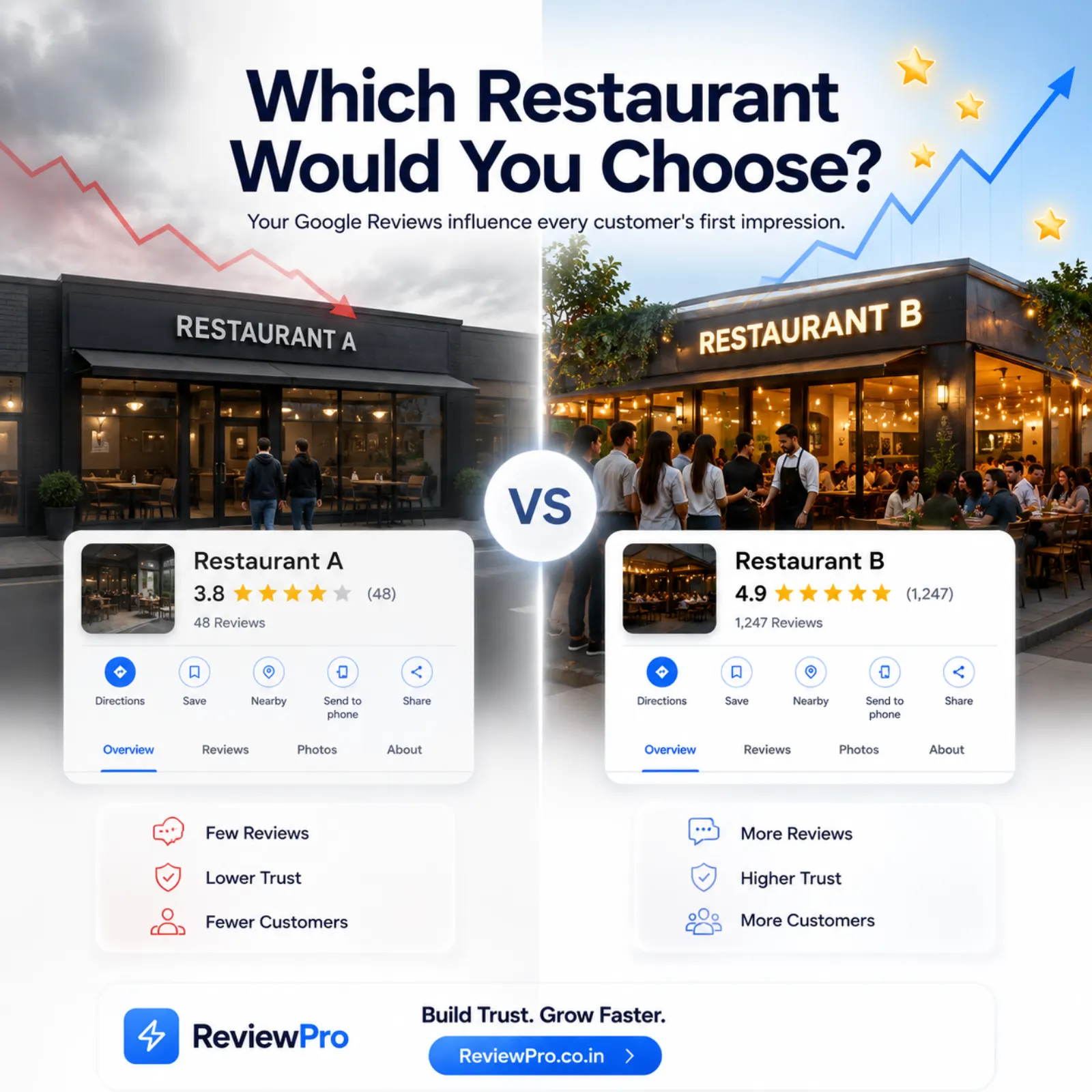
Aim for a mix: outside (so people find the door), inside, your team, and your actual work or products. Recent and well-lit beats polished and stock. Replace photos after a renovation, a move or a menu change. Accurate photos also mean fewer disappointed customers, which means fewer disappointed reviews.
Step 5: Build a steady, honest review flow
Reviews are where most profiles stall. Asking is awkward and customers forget. The fix is to make it one scan instead of a search.
Print your ReviewPro QR and put it at the counter. Customers scan it, pick a rating, and those who loved it get short AI-written drafts they can post on Google in a couple of taps.
Anyone who picks 1 to 3 stars sees a private feedback form first, so you can fix the problem. The "Go to Google review anyway" link is always shown, so every customer can still post publicly.
Then reply to what comes in, good and bad. Our review management best practices cover the weekly routine.
Step 6: Post when there's real news
Profile posts are good for festival hours, a new service, a seasonal menu or an event. Skip the weekly "Visit us today!" graphic. If you're stuck for ideas, our post ideas for restaurants, salons and clinics has a month's worth.
How to tell if it's working
| Watch this | Ignore this |
|---|---|
| Calls from the profile | Total profile views on their own |
| Direction requests | Search impressions without actions |
| Website or menu clicks | Number of posts published |
| New reviews per month | Your rating changing by 0.1 |
A strong profile doesn't rely on tricks. It's accurate, it shows the real place, and it makes the next step obvious. Set it up once, then check it every month.
Keep going: see how this works for retail and boutique shops, or compare plans and pricing in rupees.