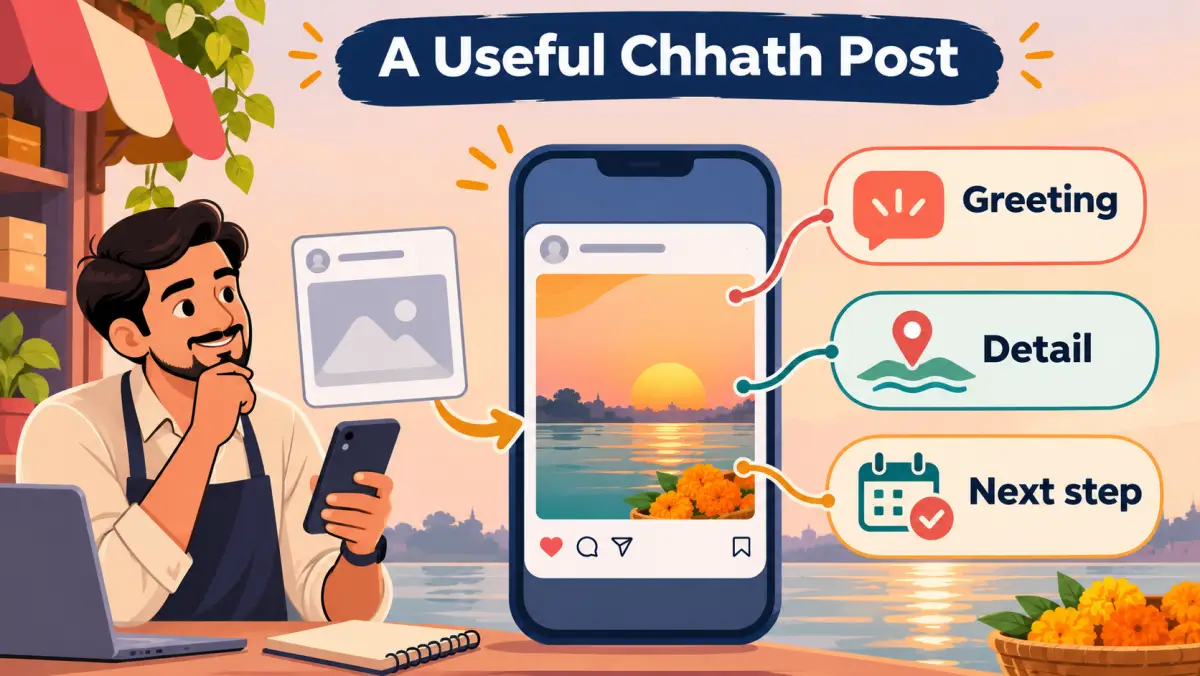
Quick answer: a festival post does not need a long caption or a hard sell. It works better when it offers a respectful greeting, one fact a nearby customer needs, and one honest next step.
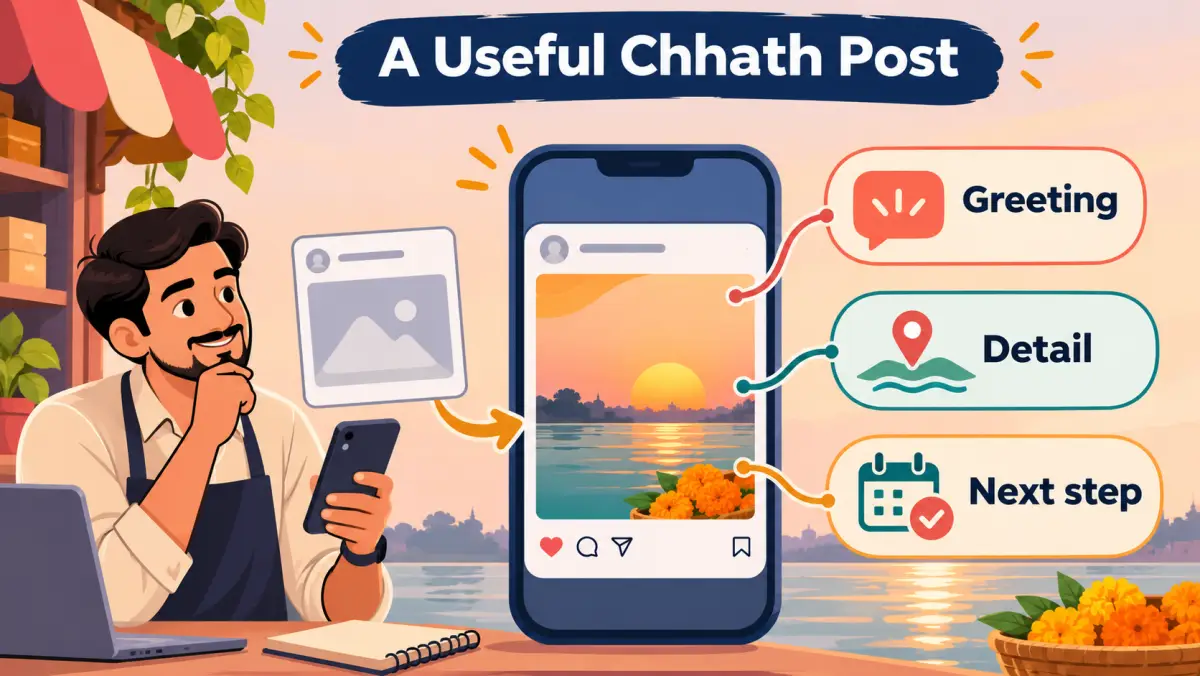
Use a three-part caption, not a generic template
Write the greeting first. Add a business detail only if it genuinely helps a customer decide what to do.
- 1GreetingWarm, brief, and without an invented promise.
- 2DetailToday's hours, menu, appointment slot, or collection.
- 3Next stepCall, visit, book, or see the current catalogue.
Keep the details real. Google's Business Profile guidelines require a business to represent its real-world information accurately. If you cannot confirm an hour, product, or availability, leave it out.
Choose the customer detail that belongs in your post
State the current pickup window. Mention a collection only while it is actually available.
Share the next bookable slot. Use one booking route that the team will answer.
Show the day's service detail. Add the last order or reservation time when it is confirmed.
A helpful local post makes the next action obvious. Google's 2026 Business Profile best-practices playbook recommends timely updates, events, and offers so potential customers can find fresh local information on Search and Maps. Read the official playbook before using a profile update.
Approve the AI draft before it becomes your voice
Unreviewed draft
- Uses the same line as every nearby business.
- Assumes a product or timing is available.
- Uses a customer action the team cannot support.
Owner-reviewed post
- Uses a respectful, concise greeting.
- Contains one verified local detail.
- Ends with one working customer action.
AI should speed up the first version, not remove accountability. Dhanda AI markets AI social content for Facebook and Instagram, while Web Sarathi markets post generation and multi-channel publishing. Web Sarathi's terms also state that AI suggestions require review and that the business remains responsible for published content. See Dhanda AI's product page, Web Sarathi's product page, and its AI-content terms.
Turn one post into a small, consistent customer path
Keep the caption short: “Wishing you a peaceful Chhath. Our collection counter is open today until 7 pm. Tap for directions.”
Never offer rewards for reviews. Google's review-link and QR-code guidance allows businesses to share a direct link or QR code, but does not allow incentives. Our QR setup guide shows how to place it after a genuine customer experience.
Publish with a one-minute final check
- ReadCheck the greeting is concise and respectful.
- VerifyConfirm every hour, product, and link.
- PreviewRead it on a phone before it goes live.
- PublishUse one customer action and keep it available.
Where ReviewPro fits: prepare a branded visual and caption draft in ReviewPro Posts, then have the business owner approve the final local fact before publishing through their connected Buffer account. See our AI local-profile update workflow for the same draft–verify–publish habit on Google.