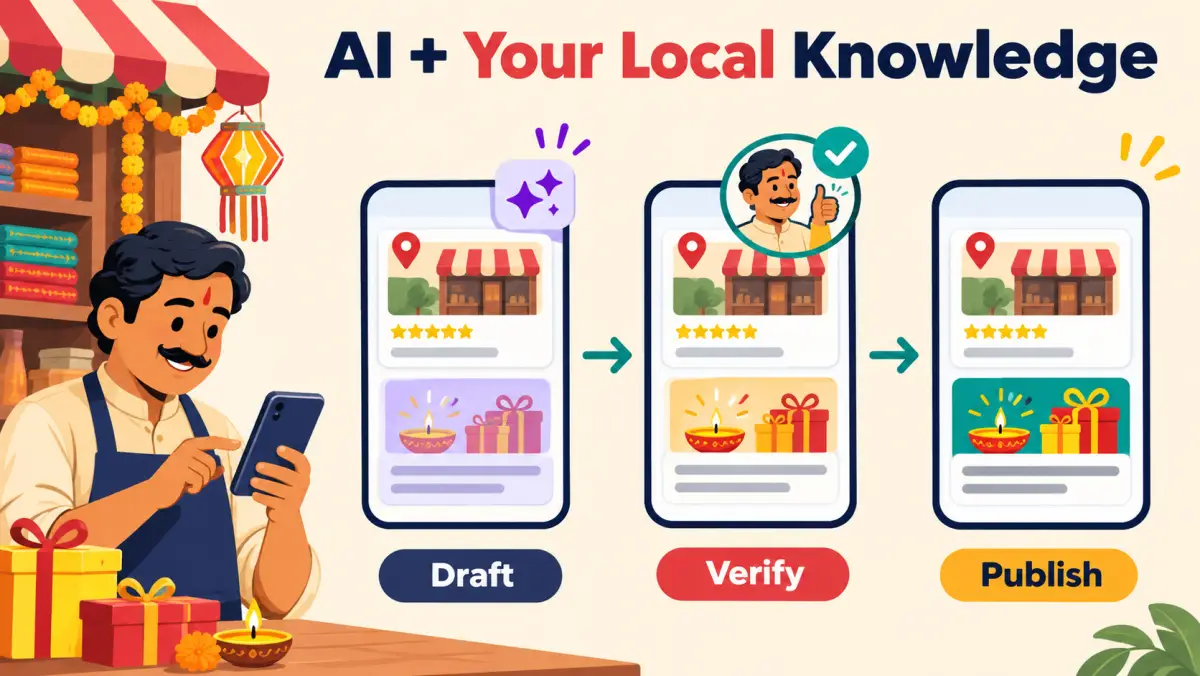
Quick answer: AI can make the first draft fast. Your advantage is the local detail it cannot know: today's stock, actual opening time, and the one action a customer can complete.
Why this is the local-marketing topic to watch
Google announced Gemini features for small businesses that can work with Business Profile information, including help with review replies and seasonal updates.
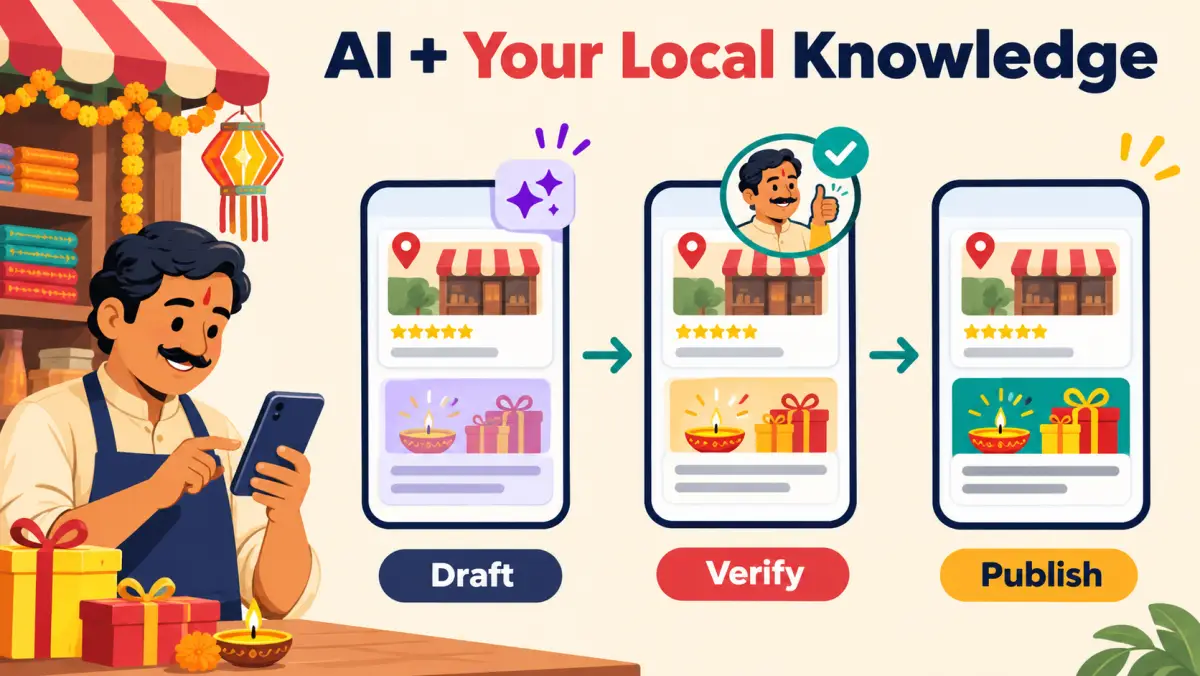
- AIShapes a draft
- YouCheck local facts
- CustomerGets a useful update
The practical takeaway: treat AI as a drafting partner, not the source of truth. Google's June 2026 Gemini announcement for small businesses describes profile-aware assistance; its Business Profile guidelines still require real-world information to be accurate.
Write one update for one customer moment
Pickup available at the counter
Replace “Happy festival” with a useful next step
- Restaurant: today's festive menu and the last booking time.
- Salon: the final appointment slots and how to book.
- Shop: collection availability, pickup timing, or directions.
Keep the update specific. A customer should understand the offer or availability without sending a clarification message.
Use the same source of facts everywhere. Google's special-hours guidance is the place to set holiday timing before you repeat it in an update, poster, or WhatsApp message.
Use the competitor pattern, then add the missing human check
Fast automated draft
- Uses a generic festival greeting.
- May repeat an old price or closing time.
- Leaves the customer to ask what to do next.
Verified local update
- Names one current product, service, or visit.
- Uses a checked time, availability, or link.
- Ends with one clear action.
Automation is now table stakes; verified context is the differentiator. Dhanda AI's current product listing highlights a Google profile audit, personalized review replies, and regular profile imagery. That is a useful signal to make your own workflow faster—but never a reason to publish unverified details. See the Dhanda AI Google Play listing for its stated features.
Turn the draft into a small trust signal
Ask every customer for genuine feedback. Keep it simple and pressure-free: “Thanks for visiting. If you'd like, your Google review helps other local customers find us.”
Do not promise a reward for a review. Google's review-link and QR-code guidance says businesses can share a link or QR code with customers and must not offer incentives for reviews. Use our QR placement guide when the customer moment is right.
Run the five-minute check before publishing
- DraftAsk AI for one customer moment.
- MatchCompare the words with your real hours and availability.
- TestOpen the call, map, booking, or catalogue action on a phone.
- PublishShare the update only when the customer path works.
Where ReviewPro fits: prepare a branded poster and caption in ReviewPro Posts, then edit the final facts before publishing through your connected Buffer account. For the profile basics behind every update, use the Google Business Profile call-readiness checklist.