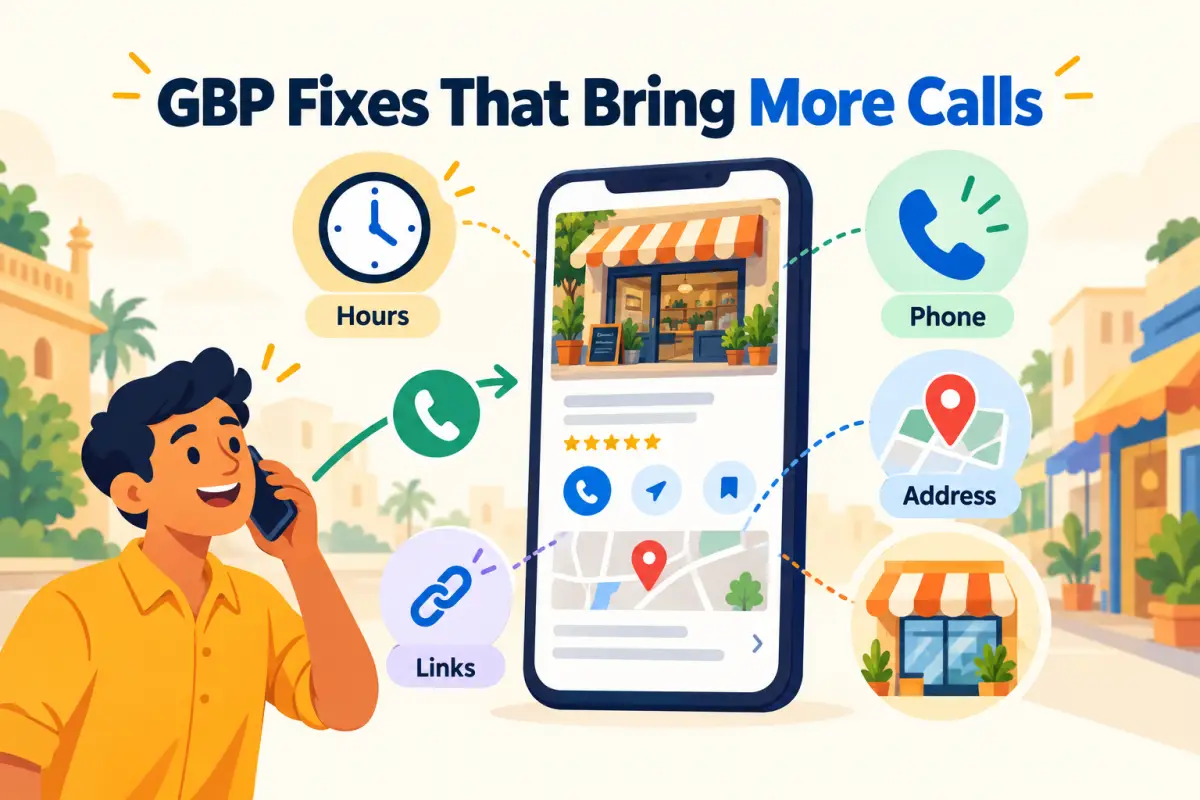
Picture a customer at 7:40 pm, standing outside a market, searching "AC repair near me". They see your listing and two others. They have maybe twenty seconds of patience. Here's what goes through their head:
Customer, 7:40 pmIs this one open right now? It doesn't say.
CustomerTapped call. "This number is not reachable." Okay…
CustomerThe next one says "Open · Closes 9 pm" and has photos of actual vans. Calling them.
You didn't lose that customer because of your service. You lost them because of two fields on a form. Here are the seven fixes we see make the biggest difference, ordered by how quickly they pay off.
| # | Fix | Time | Why it brings calls |
|---|---|---|---|
| 1 | Precise main category | 2 min | You show up for the right searches |
| 2 | Hours, including festivals | 5 min | Nobody arrives to a closed shutter |
| 3 | Phone and pin test | 5 min | The call connects, the map works |
| 4 | One clear next step | 10 min | Menu, booking or catalogue opens |
| 5 | Recent photos | 10 min | People trust what they can see |
| 6 | A steady trickle of reviews | Ongoing | Recent reviews look like a live business |
| 7 | Monthly look at the numbers | 10 min | You know which fix worked |
1. Pick the most specific category
"Dentist" beats "Medical clinic". "Biryani restaurant" beats "Restaurant". Customers search for specific things, and Google matches the category first. Add secondary categories only for things you genuinely do. A salon that lists "bridal makeup" without offering it just gets annoyed callers.
2. Treat your hours like a promise
Add your lunch break, your weekly off, and special hours before every festival. Around Diwali, Eid, Pongal or a local holiday, this is the single most common reason people see "Open" and find a locked door. That customer usually leaves a review about it too.
3. Tap your own number and pin
From a phone that isn't yours, tap call, then tap directions. Does it ring someone? Does the pin land at the entrance, or in the parking lot behind the building? In busy markets, add the floor and a landmark: "1st floor, above Bata, opposite SBI".
4. Give each visitor one useful next step
A restaurant needs a menu link. A salon needs booking. A shop needs a catalogue or a WhatsApp chat. Remove old campaign links and test the one you keep on mobile. If you don't have a website, ReviewPro's website builder gives you a simple mobile page with your catalogue, ordering or appointments, which you can link straight from Google.
5. Add photos people can recognise
A current shopfront helps someone find the right door. A photo of your actual work helps them decide before calling. Replace anything older than a renovation or a move. For a service business, photos of your vans, team uniforms or finished jobs do more than any logo.
6. Keep reviews coming, gently
Looks inactive
- Last review: 8 months ago
- Owner replies: none
- Customers wonder if you're still open
Looks alive
- Last review: 2 days ago
- Replies to most reviews
- Recent photos from customers
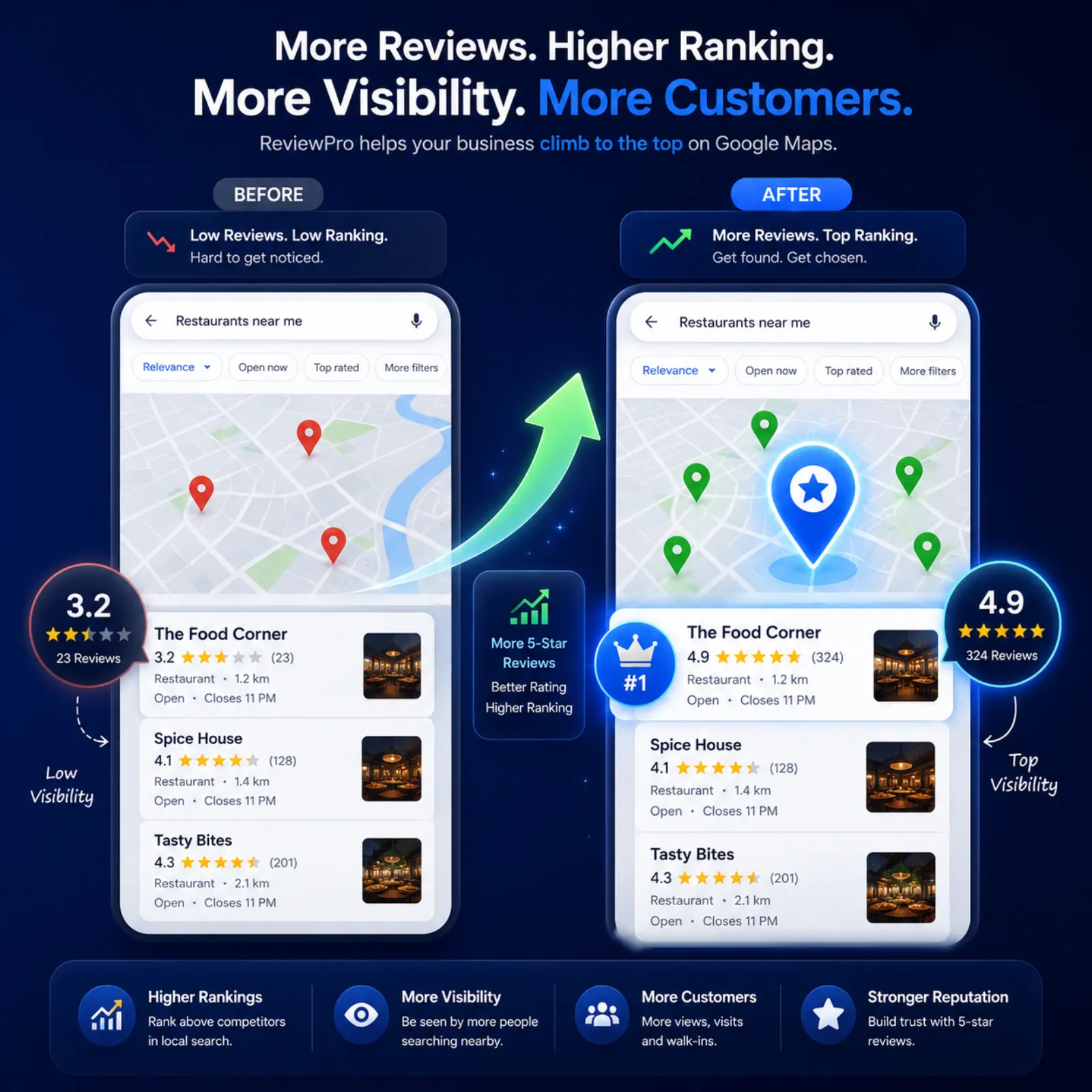
After a good job, share your review link or a QR. No discounts in exchange, which Google doesn't allow. A ReviewPro review QR opens a short page where customers rate you. Happy customers get AI-written drafts to post on Google, and anyone who picks 1 to 3 stars sees a private feedback form first, with the "Go to Google review anyway" link always there.
7. Look at the numbers once a month
Calls, direction requests, website clicks, orders. Write down what you changed that month, such as new hours, new photos or a fixed link, and compare. ReviewPro's analytics shows these Google numbers next to your review stats, so you're not digging through two dashboards.
The ten-minute weekly habit
- HoursAny holiday coming?
- CallTap the number
- MapCheck the pin
- LinkOpen it on mobile
- PhotoAdd one new one
Sources: Google's Business Profile guidelines and review link guidance. For a deeper reset, run the full Google Business Profile audit.