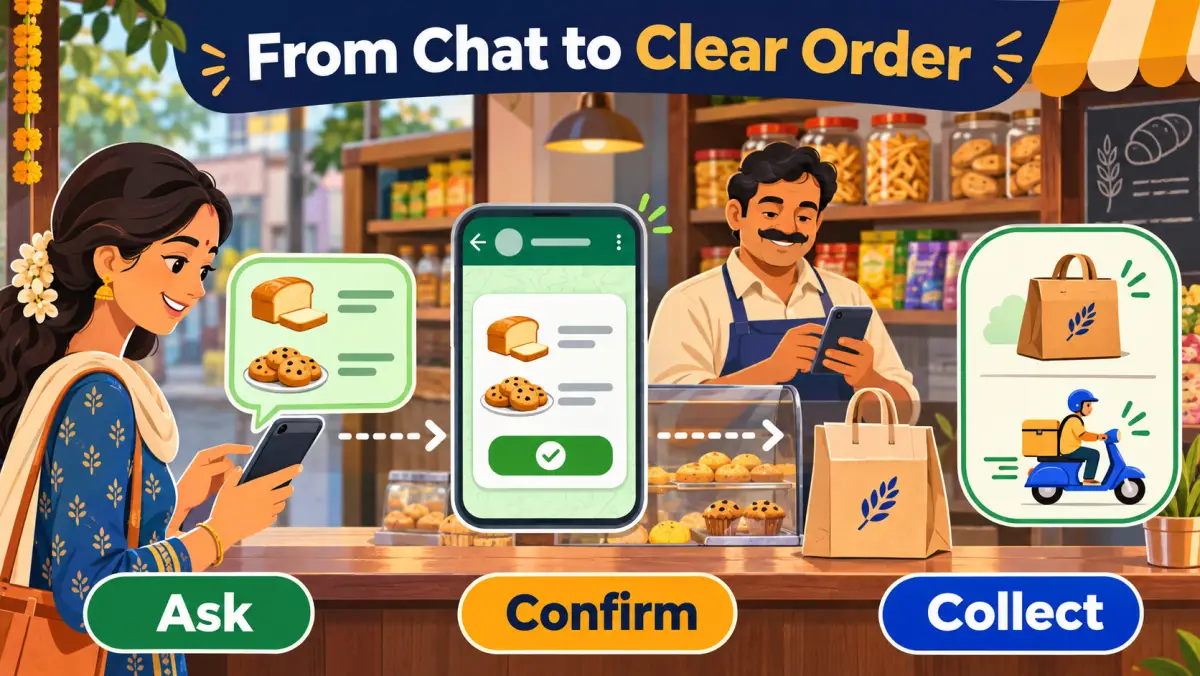
Quick answer: WhatsApp ordering breaks when details stay scattered across chats. Use a small path instead: answer the question, confirm one order record, then send one clear pickup or delivery update.
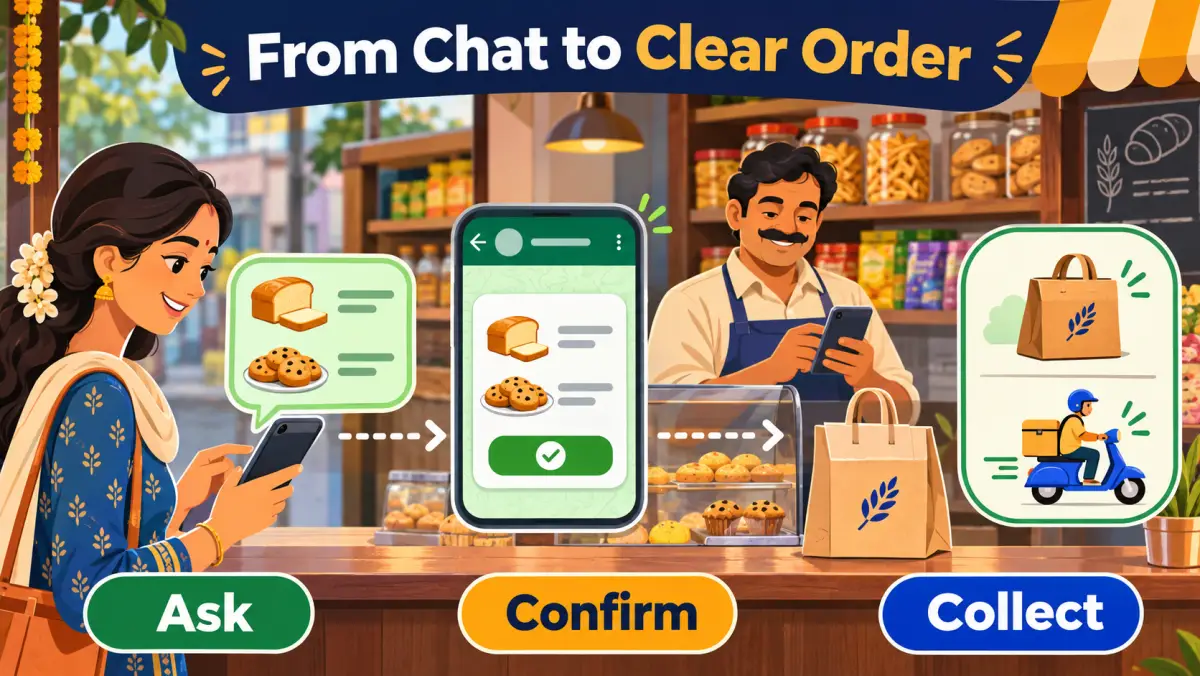
Use one message path from question to handover
Keep the catalogue easy to open. WhatsApp's catalogue help explains that customers can view a business catalogue from its profile and businesses can share its link directly in WhatsApp.
Make every confirmation answer four customer questions
- WhatItems and quantity
- How muchFinal payable amount
- WhenPickup slot or delivery window
- WhereCollection point or delivery address confirmation
Do not reconstruct an order from five chat bubbles. A bakery in Jaipur can confirm “2 pav loaves, ₹120, pickup after 5 pm”; a grocery in Kochi can confirm the final basket and delivery slot. The customer should be able to screenshot one complete record.
Put the product list before the chat reply
Only freeform chat
- Items are described differently each time.
- Prices require manual back-and-forth.
- Staff can miss a quantity or variant.
Shared catalogue first
- Customer starts with products and prices.
- Team confirms exceptions once.
- Order details move into one record.
Use chat for the exception, not the whole product database. Meta's Business AI announcement for India says eligible WhatsApp Business users can use business information and catalogues to answer queries, while owners can take over complex conversations.
Give the team a small visible order board
The useful metric is fewer clarification calls, not more messages. ChatServe promotes AI WhatsApp ordering with a confirmed order summary, while Web Sarathi promotes WhatsApp alerts and reports around local-business activity. The business must still own accurate stock, timing, and handover. See ChatServe and Web Sarathi for their current positioning.
Close the order with an optional, fair follow-up
Ask once, without pressure: “Thanks for your order. If you'd like, a Google review helps other local customers find us.”
Never reward a review or make it a condition of service. Google's review-link guidance permits a direct link or QR code and prohibits incentives. Use our WhatsApp ordering guide for the broader setup.
Where ReviewPro fits: use ReviewPro Online Ordering to give customers a structured catalogue and order path, then use WhatsApp for the real-time update they need. Keep your Google Business Profile customer actions working so local search can lead into the same dependable order flow.