
Printing a QR code is easy. Getting reviews from it every week, for a year, without anyone thinking about it, is a system. The difference is what happens around the code: who mentions it, what the customer sees after scanning, who replies, and whether anyone looks at the numbers.
Here's what the whole loop looks like, and how to tell which part is broken when reviews slow down.
The loop
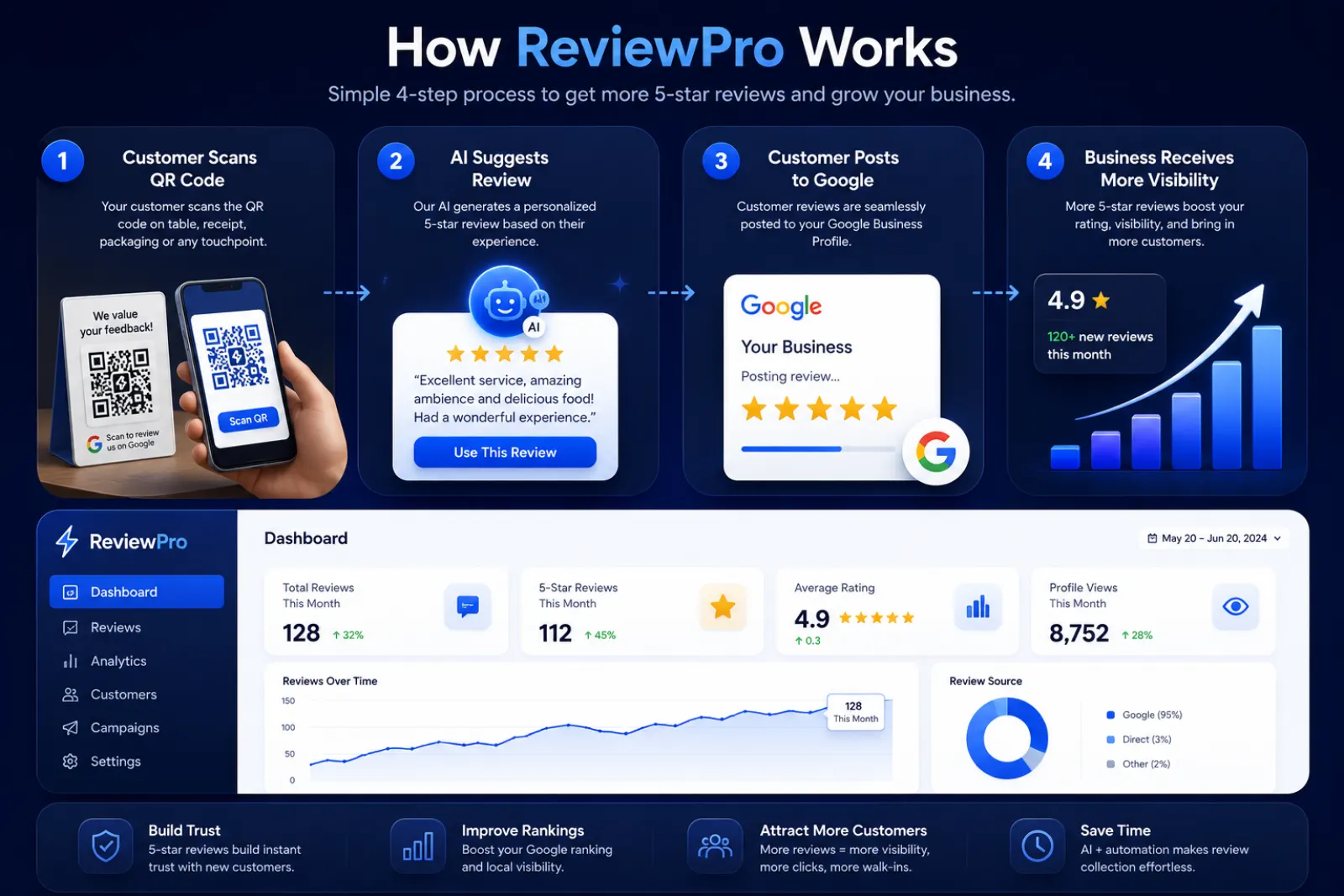
- AskStaff mention the QR
- ScanCustomer opens the page
- RateTaps a star rating
- PostReview goes on Google
- ReplyYou answer within days
Part 1: The right destination
Use your direct review link for the exact branch (how to get it, how to make the code). Test on Android and iPhone. A code pointing at the wrong branch produces reviews you can't use and confuses customers.
Part 2: The physical setup
Add a short link under the QR as a backup, your business name so customers trust it, and one line: "Enjoyed your visit? Share your honest feedback."
Part 3: What the customer sees after scanning
This is where most systems quietly leak. The customer scans, lands on an empty Google text box, and leaves. A better page helps them finish.
After the rating, happy customers see three AI-written drafts in their chosen language. They pick one, edit it if they like, and post it themselves on Google.
Customers who pick 1 to 3 stars see a private feedback form first, so you can fix the problem. The "Go to Google review anyway" link stays visible, so nobody is stopped from posting publicly.
Part 4: Ask for honesty, not stars
Don't say
- "Please give us 5 stars"
- "Review us and get a free dessert"
- Only pointing it out to happy-looking customers
Say
- "We'd love your honest feedback"
- "If you have a minute, the QR's right here"
- The same line to every customer
Part 5: Read the numbers to find the leak
Look at your numbers as a funnel. Each step loses some people. The step that loses the most is the one to fix.
Example numbers for a busy cafe, to show how to read the funnel.
| If you see… | The likely problem | Try |
|---|---|---|
| Few scans | The QR is hidden, or staff don't mention it | Move it to the billing counter, add one staff line |
| Scans but few ratings | The page is slow or confusing | Test it on mobile data, not Wi-Fi |
| Ratings but few Google clicks | Customers don't know what to write | Offer review drafts |
| Lots of private feedback | A real service problem | Read it weekly and fix the cause |
ReviewPro's analytics shows this funnel (scans, ratings, Google clicks and private feedback) by business, so you can compare branches or placements. More on the routine in our review management guide.
Launch it in a week
| Day | Task |
|---|---|
| 1 | Get and test your review link |
| 2 | Print one standee, test it in place |
| 3 | Teach staff the one-line ask |
| 4–6 | Run it, reply to every new review |
| 7 | Look at the funnel, move or fix one thing |
Start at one location, learn what works, then roll it out. See how it works for restaurants and cafes, or compare plans and pricing in rupees.