
You know the customer. They loved the food, thanked the staff twice, and said "I'll definitely leave you a review" on their way out. You never heard from them again.
They weren't lying. They just got to the car, checked WhatsApp, and forgot. Asking is rarely the problem. The problem is everything that has to happen between "sure" and a posted review, and most businesses never look at that gap.
This guide looks at that gap, step by step, and shows what we've seen work for cafes, salons, clinics and shops across India.
Count the steps you're asking for
"Please search for us on Google and leave a review" sounds like one request. It's actually six. Each one is a place where a busy person gives up.
"Search for us on Google"
- Open Google or Maps
- Type your name (and spell it right)
- Pick the right listing from three similar ones
- Find the reviews tab
- Tap "Write a review"
- Think of something to say
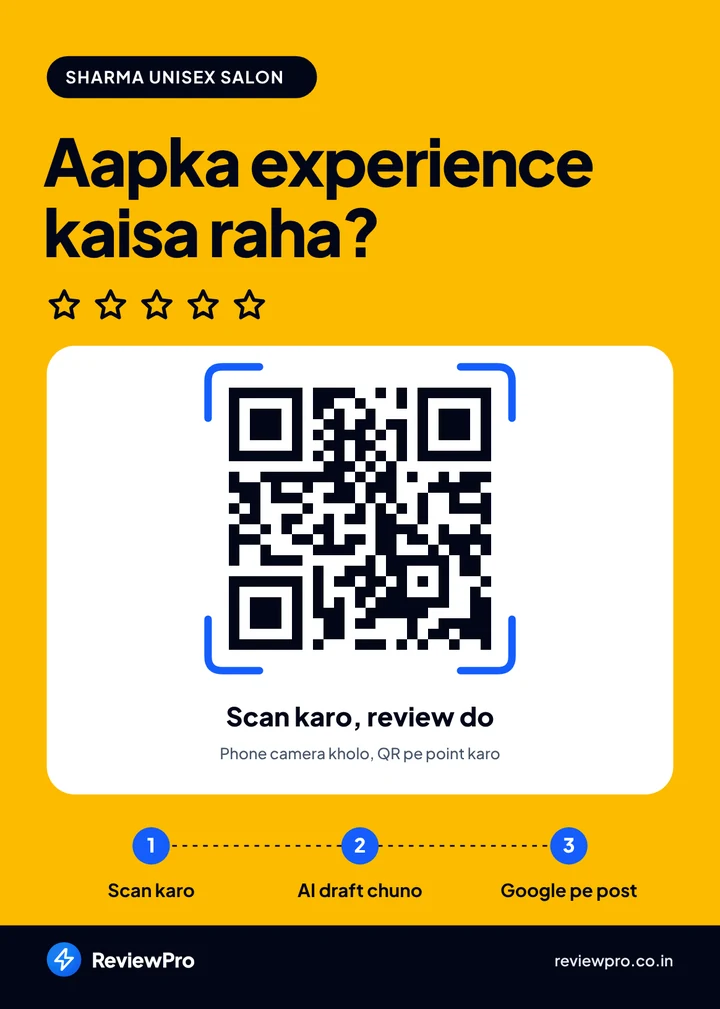
A review QR at the counter
- Scan the code
- Tap a star rating
- Pick a draft, paste, post
Cutting the path from six steps to three does more for your review count than any script your staff could learn. That's the whole idea behind a review QR: it opens your Google review box directly, so nobody has to search.
Ask at the right moment
Timing matters more than wording. Ask too early and there's nothing to review yet. Ask three days later by SMS and the good feeling is gone. The best moment is when the result is in front of the customer and they're still a little pleased about it.
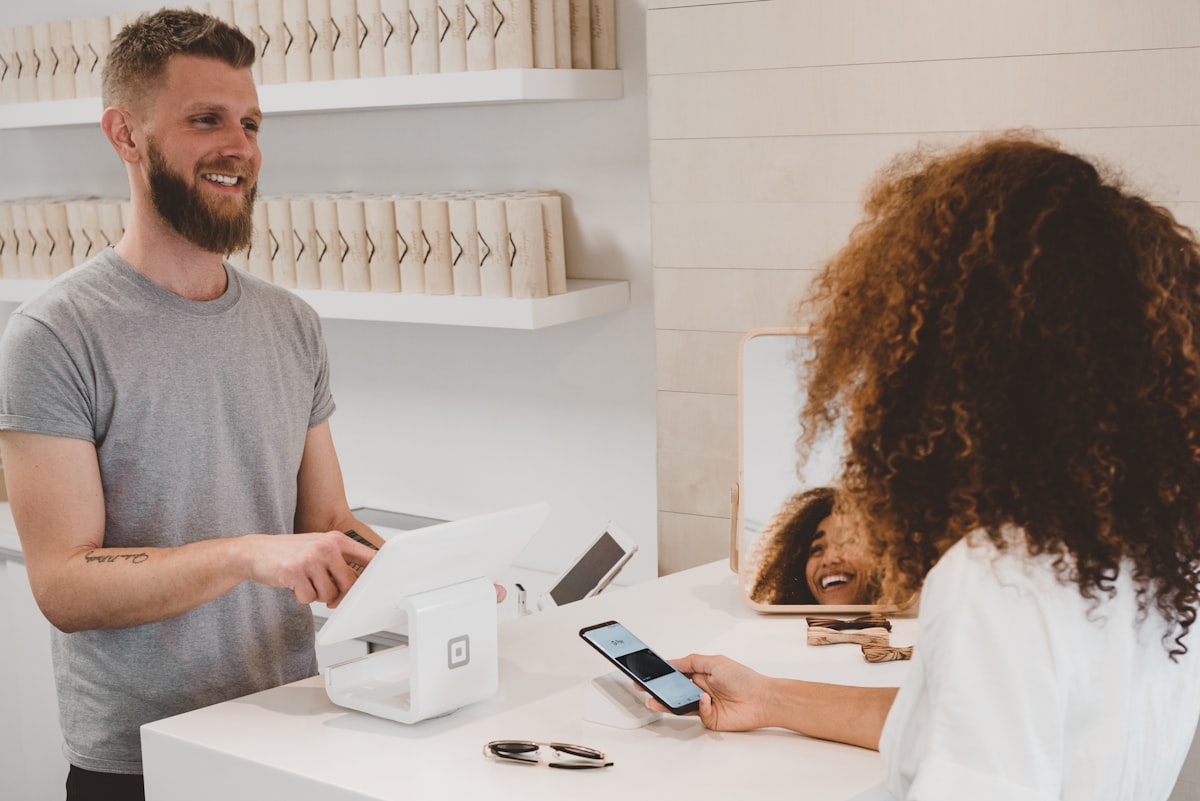
What that moment looks like depends on the business:
Help people who don't know what to write
Here's the part nobody talks about. Plenty of customers do scan and open the review box, then look at the empty text field, type "good", and leave. Or they don't post at all because writing feels like homework.
Short reviews still count, but a review that mentions "the filter coffee" or "Dr. Mehta explained everything" helps much more. It tells the next customer something real, and it gives Google words to match against searches.
When a customer scans your ReviewPro QR and taps 4 or 5 stars, they see three short drafts written for your type of business, in English, Hindi or another language they choose. They pick one, edit it if they want, and it's copied for them to paste into Google.
The customer always posts it themselves, from their own account. ReviewPro never posts on anyone's behalf.
Give unhappy customers a way to tell you first
Some visits go wrong. The kitchen was slow, the appointment ran late, the AC was off. You'd much rather hear that while you can still do something about it.
With ReviewPro, a customer who picks 1 to 3 stars first sees a short private feedback form. You get their message straight away and can call them back. A "Go to Google review anyway" link always sits at the bottom of that form, so they can still post publicly whenever they like. Nobody is blocked, and Google's rules are respected.
A week to set it up
You don't need a campaign. You need one evening and a week of habit.
| Day | Do this | Why |
|---|---|---|
| 1 | Get your direct review link (how) | Everything else points here |
| 2 | Print a QR standee for the counter (guide) | Removes the search step |
| 3 | Scan it yourself with 1 star, then 5 stars | See exactly what customers see |
| 4 | Teach staff one line: "If you liked it, the scanner's right here" | Short beats scripted |
| 5 | Reply to every review you haven't answered | New customers read the replies too |
| 6–7 | Check scans vs. reviews in your dashboard | Shows where people drop off |
What to stop doing
Don't offer discounts for reviews, and don't ask only the customers you think are happy. Both go against Google's policies, and both make your rating look less believable. A steady flow of honest reviews, including the odd 3-star, reads far better than a wall of perfect fives.
That's it. Make it one scan, ask at the right moment, help people find the words, and hear the complaints early. See how the same setup works for restaurants and cafes, salons and spas and home services, or check pricing. The QR and AI drafts are free for your first business.
Frequently asked questions
What is the fastest way to get more Google reviews?
Put a review QR where customers pay, have staff mention it in one short line, and ask every customer right after the service, not days later.
Is it okay to ask customers for Google reviews?
Yes. Google allows asking for reviews. It does not allow rewards for reviews or asking only customers you expect to be happy.
Why do happy customers not leave reviews?
Usually because it takes too many steps or they do not know what to write. A direct QR removes the search, and suggested drafts help with the writing.