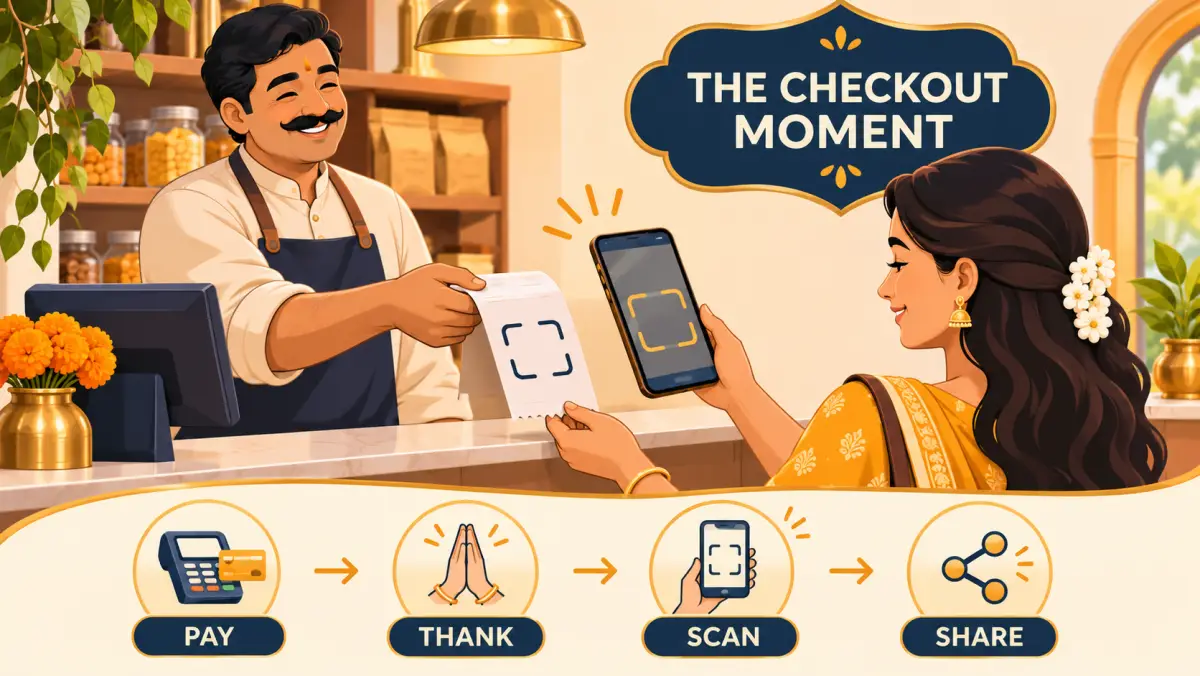
Quick answer: the most natural time to share a Google review QR is after a real purchase or service, when the customer already has their phone and receipt. The job is not to chase a rating; it is to make an honest response easy.
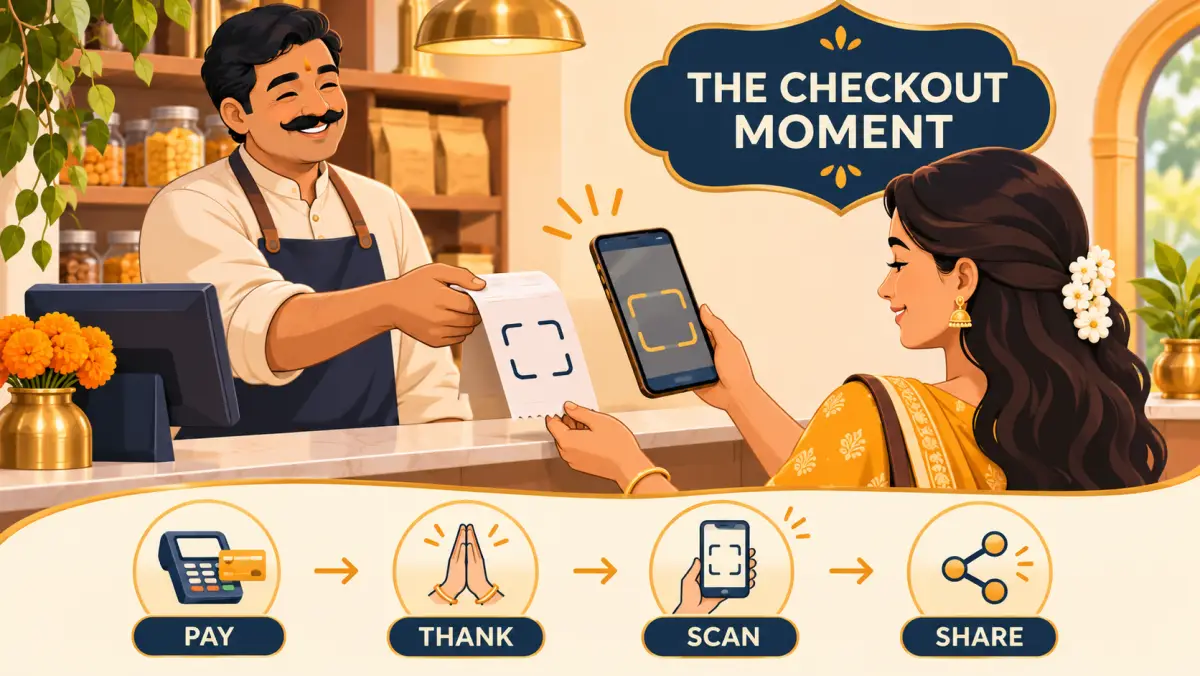
Use the customer's natural checkout rhythm
Place the invitation after service, not before it. Google's current review-link guidance specifically lists receipts, thank-you emails, chat interactions, and in-store display as places to share a review link or QR code.
Give staff one line—not a sales script
- Say it onceAfter the customer has paid or finished.
- Keep it optionalNever delay service or ask for a specific score.
- Point to the receiptLet the customer scan later if they prefer.
Consistency beats pressure. A bakery in Indore can print the QR below the pickup note; a salon in Chennai can add it to the appointment receipt. The same respectful invitation should be available to every genuine customer.
Design the receipt for one quick scan
Test the paper version, not just the file. Google's help page says a profile owner can create and share a review link or QR code from a computer browser. A link on the receipt also helps when a small print code is inconvenient to scan.
Pair the receipt with a later WhatsApp reminder
Useful while the visit is fresh and the customer is still at the counter.
Useful when the customer wants to write at their own pace.
One genuine experience, one optional request, no reward attached.
Use the second channel only as a helpful reminder. Meta says Business AI on WhatsApp is available to eligible Indian small businesses to help answer questions and support customer conversations; it does not change the need for a human, accurate follow-up. See Meta's India announcement.
Know what the current QR-tool market is doing
The useful comparison is customer ownership, not an oversized promise. Dhanda AI's terms describe AI-generated Google Profile content under the business owner's responsibility. Tapezy's current product page shows how QR-first tools now extend beyond reviews into menus, queues, and bookings. Choose the workflow that removes your next real customer bottleneck.
Keep every review choice fair
Offer the Google review link to every customer. They can post an honest review if they choose.
No incentives, no pressure, no conditions. Google says reviews must reflect genuine experiences and prohibits exchanging discounts or goods for reviews. ReviewPro's QR placement guide shows where to put the code, and the WhatsApp review guide explains a fair follow-up message.