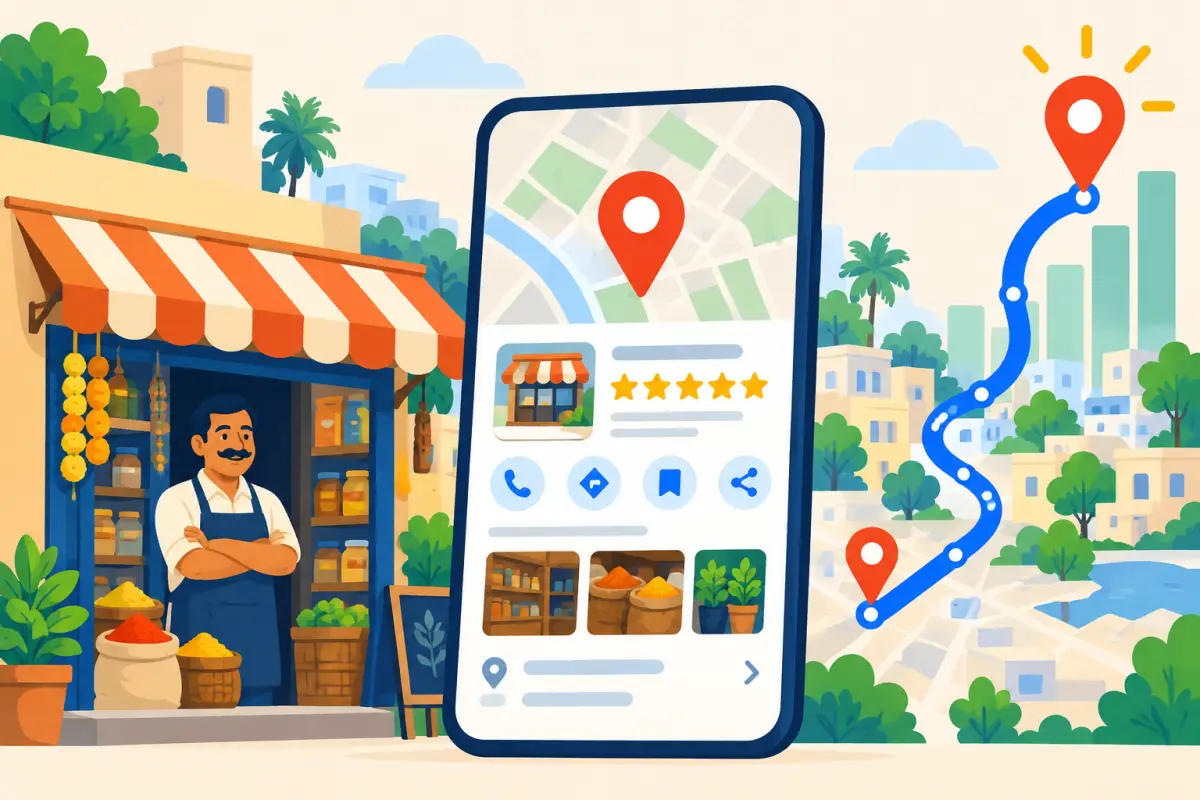
Every week someone asks us, "How do I get to the top of Google Maps?" The honest answer starts with something you can't change: Google shows people the businesses closest to them. A cafe two kilometres away will usually lose to one around the corner, whatever it does.
But distance isn't everything. Google says it ranks local results on three things, and you control two of them.
The three things Google looks at
Google's own explanation is on its local ranking help page. Everything below is about the two you control.
What the top three usually have in common
Hair salon · Open · "great balayage" in 14 reviews
Beauty salon · Open · replies to every review
Barber shop · Open · 60+ recent photos
Accurate categories, plenty of recent reviews that mention specific services, owner replies, and lots of real photos. None of it is secret. It's just consistent.
Relevance: say clearly what you do
Pick the most specific primary category, then add secondary ones only if they're true. Write services the way customers search for them: "hair colour", "keratin treatment", "bridal makeup". A restaurant should list cuisine, dine-in, takeaway and delivery.
Your reviews count here too. When customers write "best masala dosa in Jayanagar", that helps you show up for masala dosa searches. You can't tell them what to write, but you can make it easier for them to write something specific.
Prominence: earn reviews steadily
A burst of 50 reviews in one week followed by silence looks odd. Five a week for a year looks like a real, busy business. The goal is a steady flow.
Illustration only. The steady pattern is the one to aim for.
The easiest way to get there is to put a review QR where people pay and ask every customer the same way. Google allows review links and QR codes in-store, on receipts and in thank-you messages. It doesn't allow rewards for reviews. Our review QR guide covers placement.
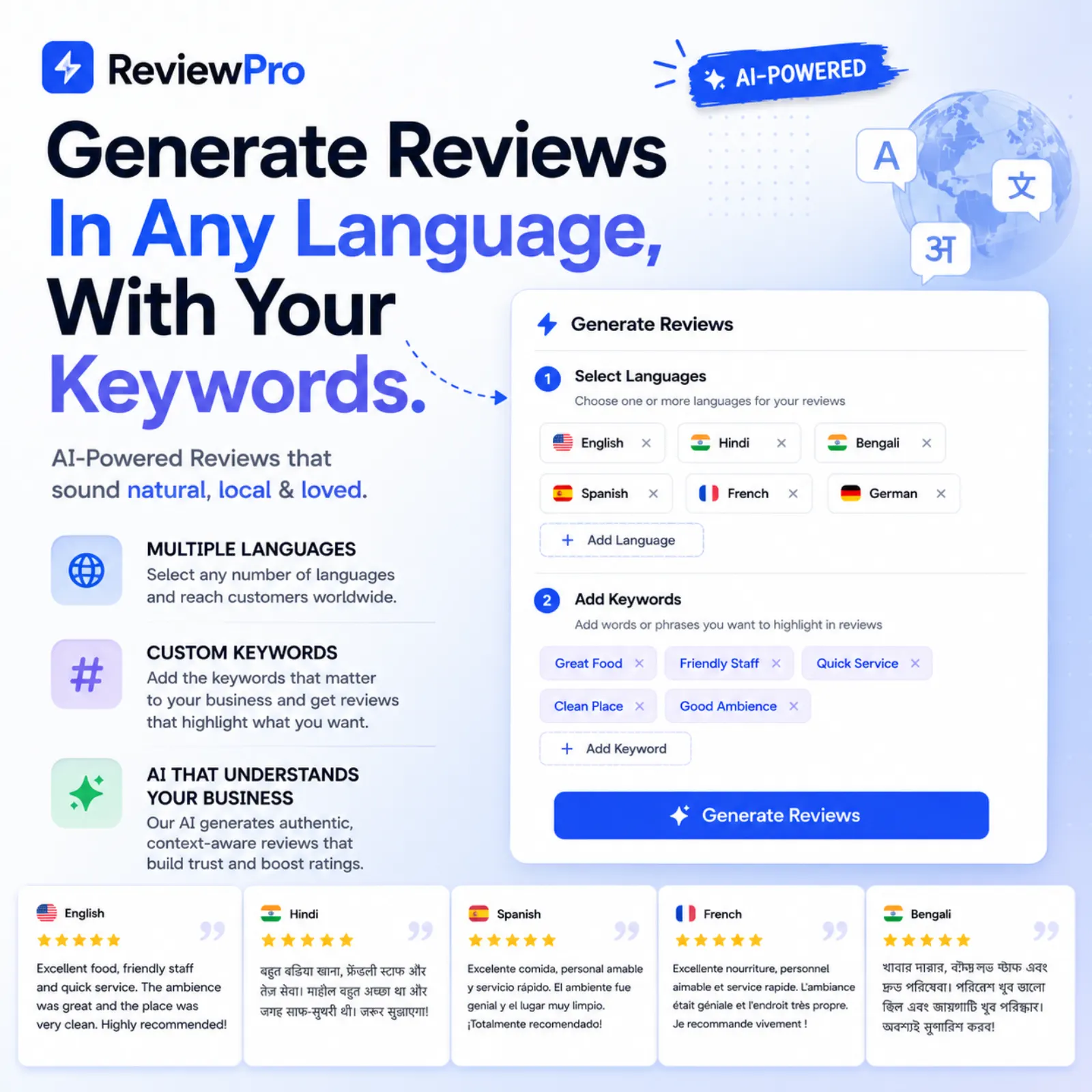
With ReviewPro, every customer scans the same QR. Those who pick 4 or 5 stars get AI drafts to post on Google. Those who pick 1 to 3 stars see a private feedback form first, and the "Go to Google review anyway" link is always shown.
Then reply. Thank people for specifics, keep private details private, and take complaints offline. A visible habit of replying tells both Google and customers that someone's home.
Make the next step easy
Ranking only matters if people act. Tap your own call button, directions and links on a phone. A cafe should lead to a menu, a clinic to appointments, a shop to a catalogue. If you don't have a page for that, the ReviewPro website builder gives you one with your catalogue, ordering or booking, ready to link from Maps.
Myths worth ignoring
Doesn't help
- Adding area names to your business name
- Buying reviews or swapping them with friends
- Posting the same graphic every day
- Creating a second listing for the same shop
Actually helps
- Correct category and complete services
- A steady flow of honest reviews
- Replying to reviews within a few days
- Fresh, real photos every month
The first column can get your listing suspended. The second just takes patience.
Know where you stand
On the paid plan, ReviewPro's overview shows where you rank on Google Maps for the phrases your customers search, using your Google profile data. It also suggests phrases to add to your review keywords.
Check it once a month, after you've worked through the checklist below, so you can see whether the changes moved anything.
Your monthly checklist
| Check | Done when |
|---|---|
| Basics | Name, category, address, hours, phone and main link are correct |
| Mobile test | Call, directions, booking or menu all work on a phone |
| Photos | At least 4 new real photos this month |
| Reviews | Every review this month has a reply |
| Asking | QR is visible where customers pay |
| Results | Calls, directions and clicks compared with last month |
Keep going: run the full Google Business Profile audit, then use our local SEO checklist for the rest of your online presence.
Frequently asked questions
How does Google decide Google Maps rankings?
Google says it looks at relevance, distance and prominence. You can improve relevance with accurate categories and services, and prominence with steady reviews, replies and photos.
How long does it take to rank higher on Google Maps?
Fixes to hours, category and links can help within weeks. Building reviews and prominence usually takes a few months of steady effort.
Does adding keywords to my business name help?
It can get your listing suspended. Use your real signboard name and put services in the services and description fields instead.