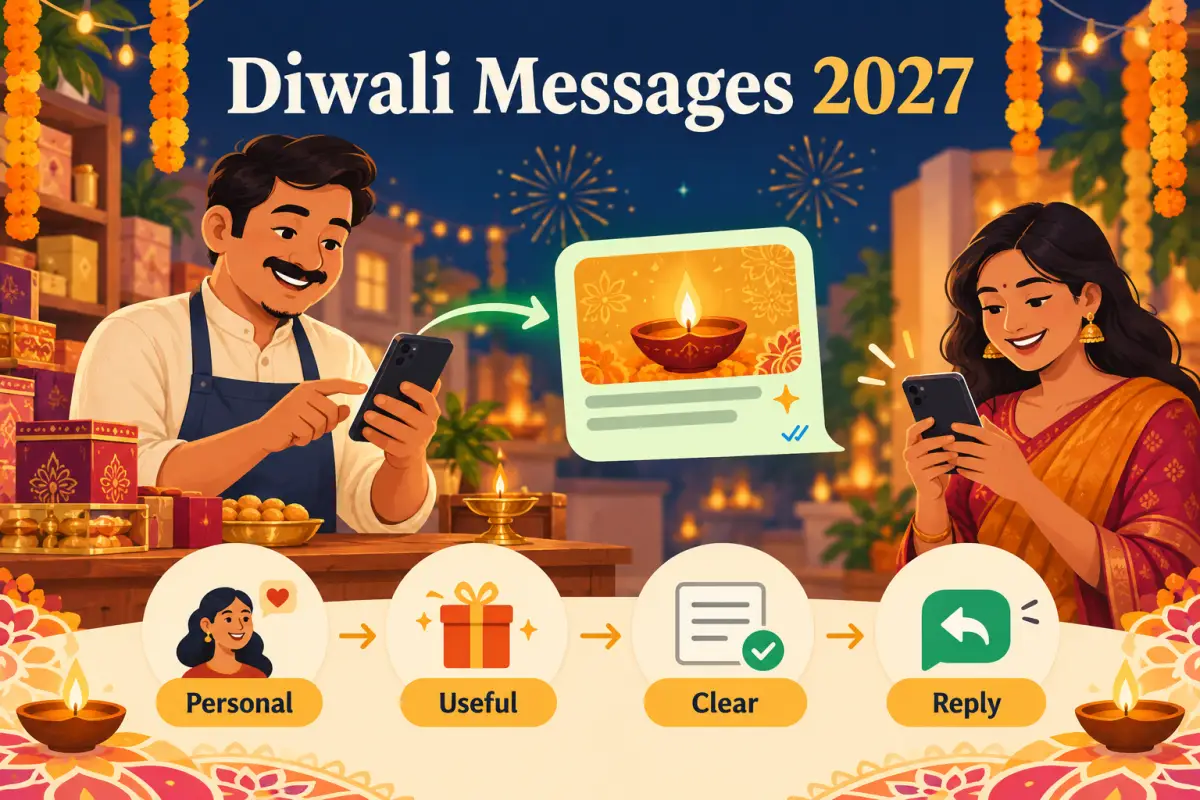
Quick answer: a good Diwali WhatsApp message helps a customer make one decision. Say why you are writing, share one confirmed detail, and offer one simple way to reply.
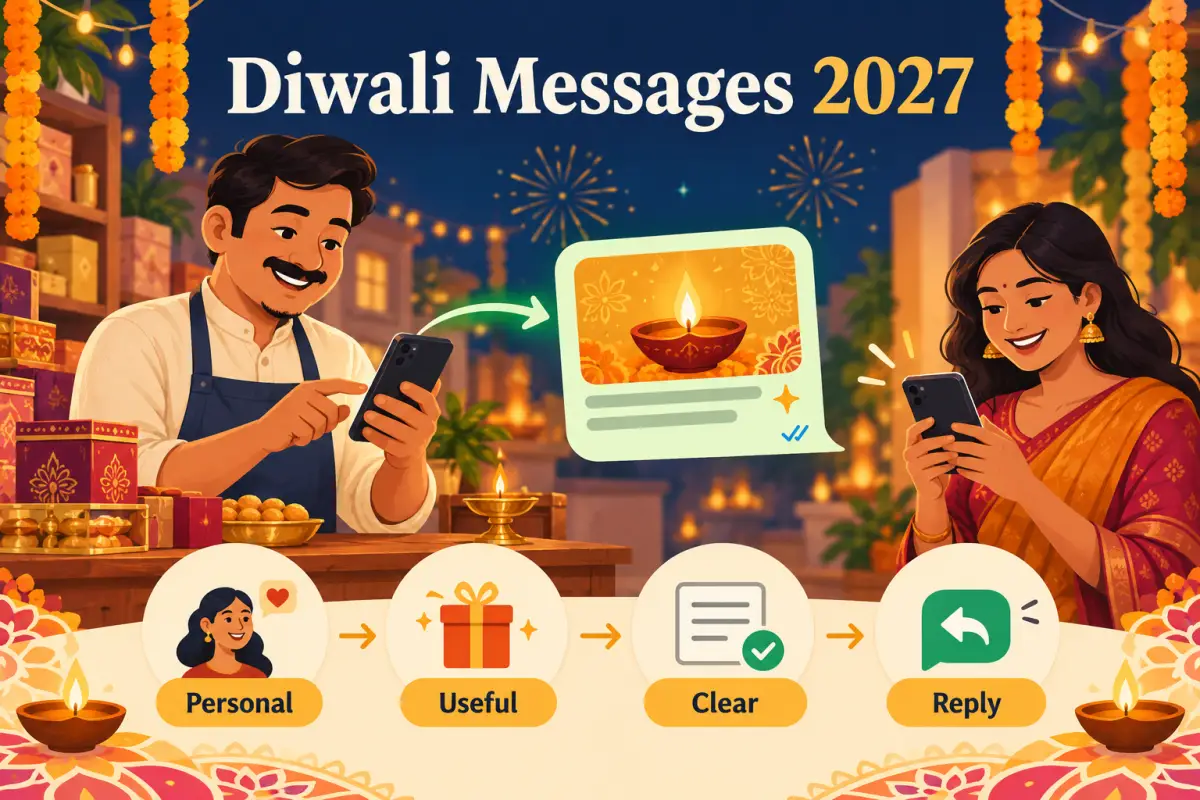
Build one message customers expect
Start with permission and relevance. WhatsApp's business messaging policy recommends that people expect the messages they receive, and that businesses provide clear opt-out instructions for message categories. Read the official WhatsApp Business messaging policy before sending promotional campaigns.
Choose one job for every Diwali message
Confirm a table or share the festive menu. Add the booking window, not five competing offers.
Share the remaining appointment slots. Let customers reply with one service name or use a booking link.
Show one gift collection and its collection time. Update the message when stock changes.
Do not make one message do every job. A customer should be able to understand the update in a few seconds and choose one next step.
Use short templates your team can personalise
Restaurant · booking updateHi Asha, you asked about our Diwali family dinner. We have tables from 7–9 pm this Friday. Reply TABLE and we'll share the available times.
Salon · slot updateHello Riya, festive makeup slots are open on 18–20 October. Reply LOOK for services and timings, or tell us if you no longer want these updates.
Sweet shop · collection updateHi Mr. Mehta, our Diwali gift boxes are ready for pre-order. Collection is available till 9 pm. Reply BOX for today's list.
Replace every bracketed detail before sending. Names, dates, availability, and reply words must be true at the moment a customer receives the message.
Keep WhatsApp and Google details aligned
Confusing update
- “Open late!” without a date or time.
- A catalogue link that no longer works.
- Hours on WhatsApp that disagree with Google.
Dependable update
- A specific date, time, or availability detail.
- One tested link or reply word.
- The same customer-facing information everywhere.
Set your special hours before publishing them. Google lets businesses set special hours for holidays and special events in their Business Profile; use its official special-hours guide before sharing festive timings. Then use our GBP call-readiness checklist to test the customer path.
Finish the 2027 Diwali message check
- ConsentSend relevant messages only to people who expect them.
- ConfirmCheck hours, stock, slots, and links.
- PersonaliseUse the customer's real context where appropriate.
- RespectMake it easy to stop a message category.
The 2027 advantage is trust, not volume. A reliable Diwali update can lead to a booking, order, or visit; a vague blast only adds noise.
Planning note: confirm the official 2027 festival calendar and your own operating dates before publishing customer-facing messages. After a genuine experience, you may invite every customer to leave an honest review through a Google review link or QR code, without incentives or pressure.