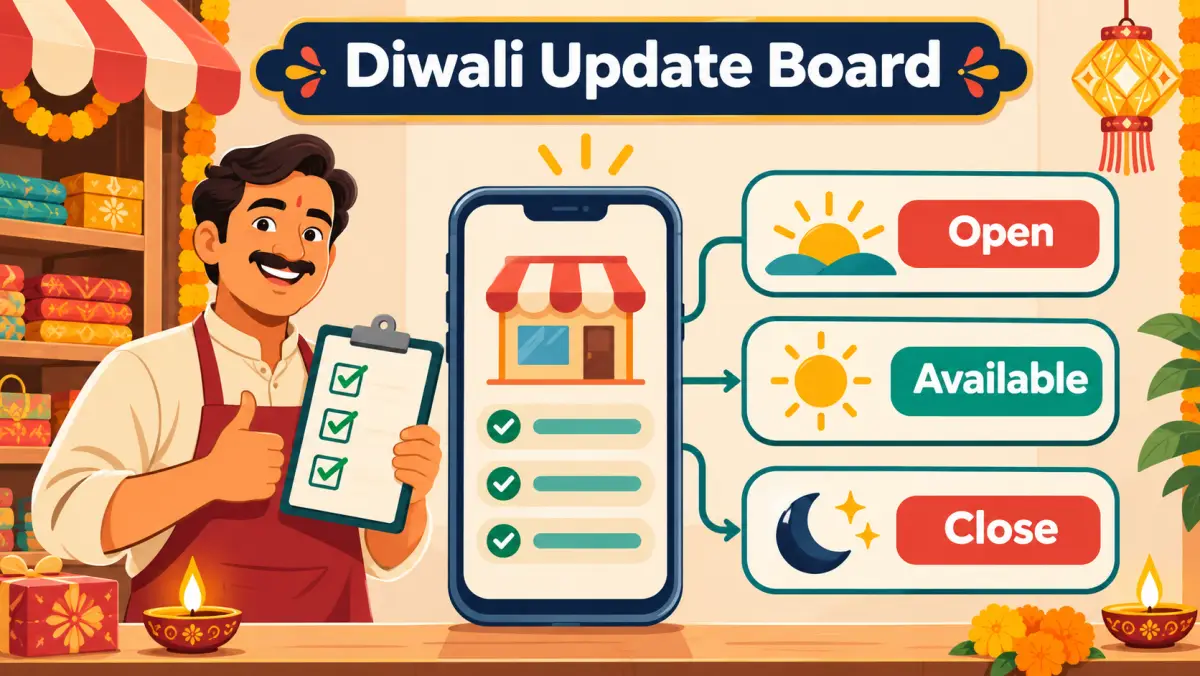
Quick answer: during the festive rush, customers need three facts—not another generic greeting: whether you are open, whether the product or service is available, and how they should reach you.
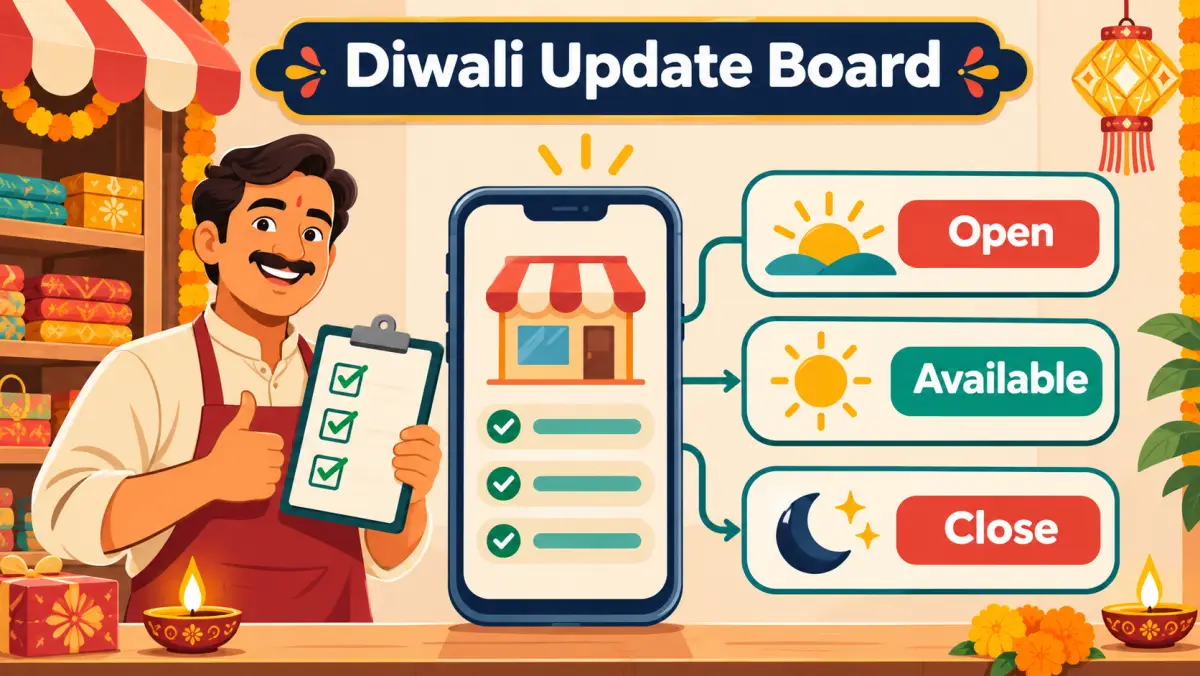
Build a live board around the three customer questions
Start with accuracy. Google lets businesses set special hours for holidays and special events, and its India Business Profile page says owners can share updates, offers, events, and current business information directly on Search and Maps.
Use the morning check to remove uncertainty
- Hours: compare the Profile with the sign on your door and your team's actual plan.
- Contact: call your public number once; a customer should never find a dead line.
- Action: open the directions, booking, menu, or catalogue link on a phone.
One accurate update beats three decorative ones. Google's representation guidelines require information to reflect the real business, so do not extend an opening time merely to appear available.
Use the afternoon check to publish a useful proof point
Show the collection customers can still collect today. Add a real pickup or delivery cut-off.
Show the remaining service window. Link to the same booking action your staff can honour.
Show today's menu or seating position. State the last order or booking time plainly.
Make the post carry one fact and one next step. Dhanda AI currently promotes Google score audits, review replies, and recurring profile images; Web Sarathi similarly positions daily tasks, ranking checks, replies, and AI posts. The common market signal is clear: a useful recurring routine matters more than a large one-off festive asset. See Dhanda AI's Google Play listing and Web Sarathi's product page for their stated workflows.
Use the closing check to preserve tomorrow's trust
Leave it unchanged
- A customer follows an expired offer.
- Maps still shows yesterday's hours.
- The next message is “Are you open?”
Close the loop
- Adjust tomorrow's hours before you leave.
- Mark an offer as finished when it ends.
- Keep one customer action active and tested.
Finish by asking for genuine feedback, not a scripted rating. After a real customer interaction, offer everyone the same public Google review option. ReviewPro's private feedback form is also available for customers who want to share an issue directly with the business. Google's official review-link guidance permits sharing a link or QR code and prohibits incentives.
Turn the board into a five-minute team handover
- OwnerConfirms real hours and availability.
- TeamChecks the public customer action on a phone.
- PostsPublishes one branded, factual update.
- CloseSets the next correct change before the team leaves.
Use ReviewPro as the preparation desk. Your team can begin a branded poster and caption in ReviewPro Posts, then review the live details before publishing through your connected Buffer account. For the broader profile reset, use our call-readiness checklist.