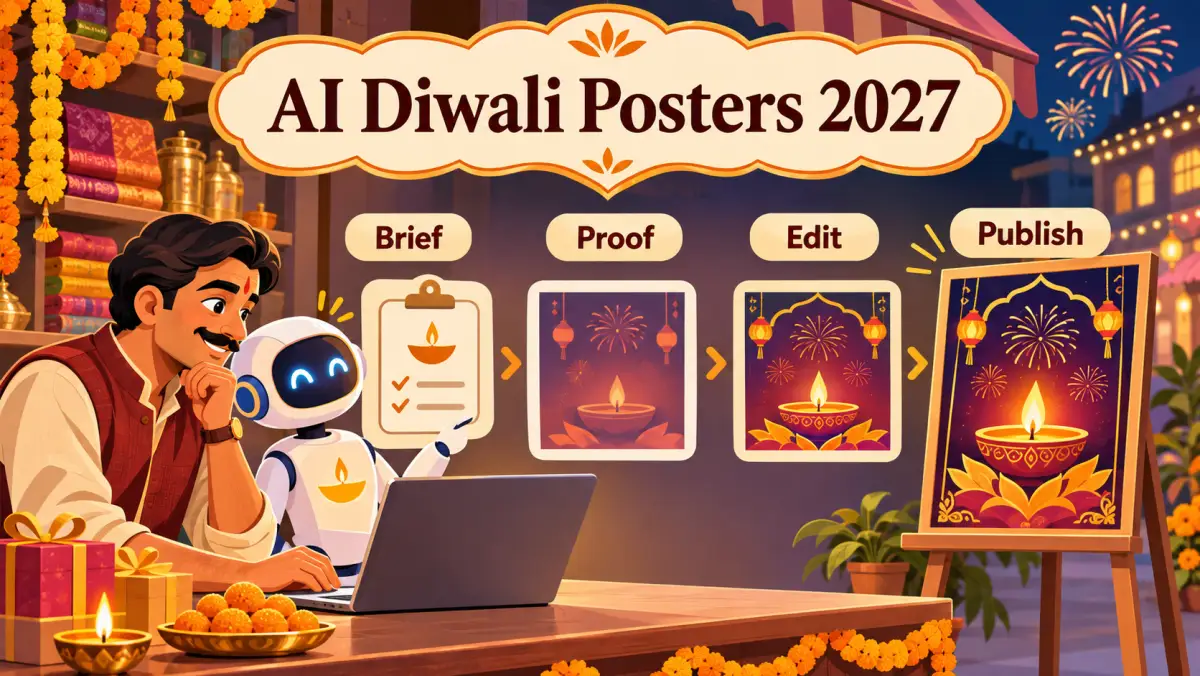
Quick answer: AI can make poster creation faster, but it cannot confirm your hours, price, stock, or booking link. Give it a focused brief, then let a person check every customer-facing detail.
Start with a brief the poster can follow
A useful 2027 prompt
Describe one customer moment
Tell the poster what the customer needs to know. For example: a festive menu, a gift collection, an appointment window, or special hours.
Give it one job. A poster should help people call, book, find directions, view a catalogue, or visit—not all five at once.
- 01SubjectOne product, service, or visit moment.
- 02DetailOnly current dates, price, time, or availability.
- 03ActionOne next step a customer can complete.
Choose a poster job before a poster style
Show one menu, meal, or booking window. Add the real date and booking action after the visual is generated.
Show the service and remaining appointment period. Keep customer photos out unless you have permission to use them.
Show a gift category or collection date. Update the poster when stock or pickup timing changes.
Let the image support the information. Decorative Diwali elements are useful only when the actual offer, service, or customer action remains easy to spot.
Run a human proof check before publishing
Unchecked draft
- An invented price or date.
- Text too small to read on a phone.
- A button or link that is not tested.
Published poster
- Real business name and current detail.
- One readable visual hierarchy.
- One working call, booking, directions, or catalogue action.
Check the facts where customers check them. Google's Business Profile guidelines require businesses to represent real-world information accurately. Use the official guidelines as a final check for profile-facing hours, phone numbers, and business details.
Make one poster work across your Diwali plan
Visual: show the festive menu, service, or collection with one clear detail.
ReviewPro Posts can help your team begin with a branded poster and caption draft. Edit the final words, availability, and action before publishing through your own Buffer account.
Finish the 2027 poster check
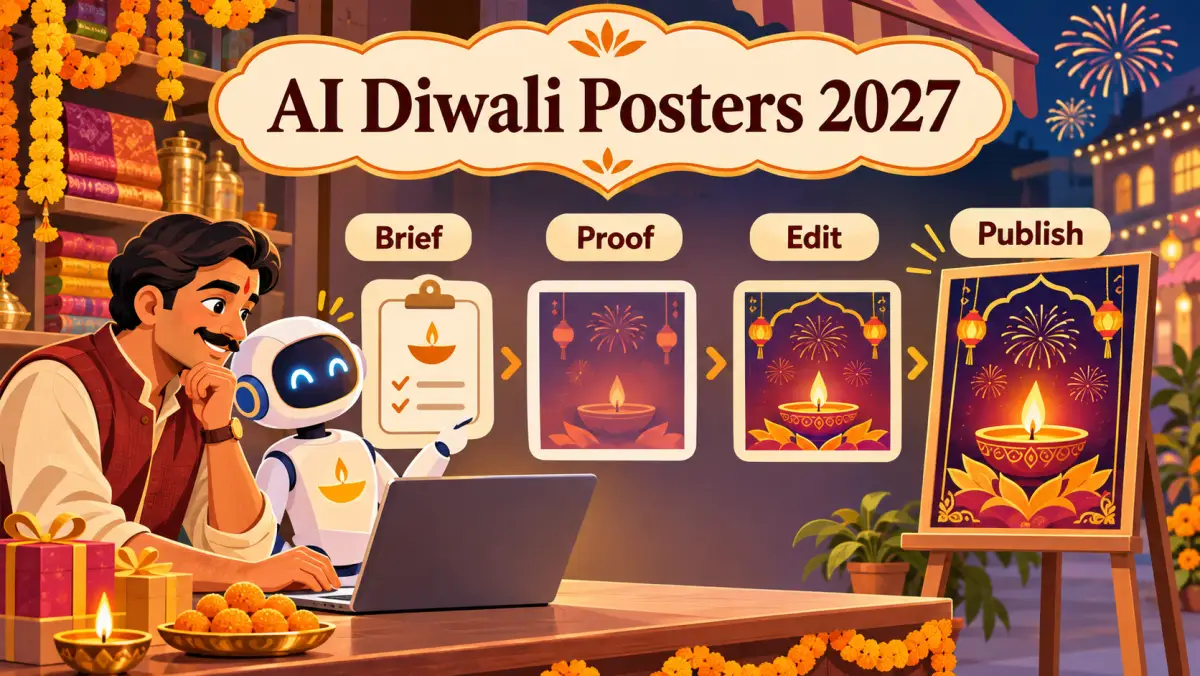
- BriefChoose one audience moment and action.
- GenerateCreate a draft with a focused visual direction.
- VerifyCheck every date, price, link, and spelling.
- PublishPost only when the customer path works on a phone.
The future-positive approach is simple: use AI to speed up the first draft, then use your local knowledge to make it dependable.
Planning note: confirm the official 2027 festival calendar and your operating dates before publishing. If your poster shares holiday hours, use Google's special-hours guide and our GBP call-readiness checklist before it goes live.