
If you run a restaurant, cafe, bar, or cloud kitchen, your most important ingredient isn't truffle oil or fresh herbs — it's your Google rating. When hungry people search Google Maps for "best pizza near me" or "cozy cafe open now," the businesses with the highest count of positive reviews get the customers.
But restaurant owners face a unique challenge: your customers are busy eating, chatting, and paying. Asking for a review at the wrong moment can feel pushy or disrupt the dining experience. How do you collect reviews naturally without bothering your guests?
"In the restaurant industry, reviews aren't just feedback — they are your digital menu. A 4.5-star rating with 100+ reviews can double your walk-in traffic overnight."
Why Restaurant Reviews are a Different Beast
Unlike service businesses where a customer hires you for a one-off job, dining is an experiential journey. Diners check reviews for different things: * **The Vibe:** Is it romantic? Good for families? * **The Food:** What are the must-order dishes? * **The Service:** Are the waiters fast and friendly? * **The Crowds:** Do you need a reservation?
Because of this, Google's algorithm favors **descriptive restaurant reviews** that mention specific menu items. A review saying "The food was good" carries far less weight than "The pepperoni pizza had a perfect crispy crust and the garlic bread was delicious!"
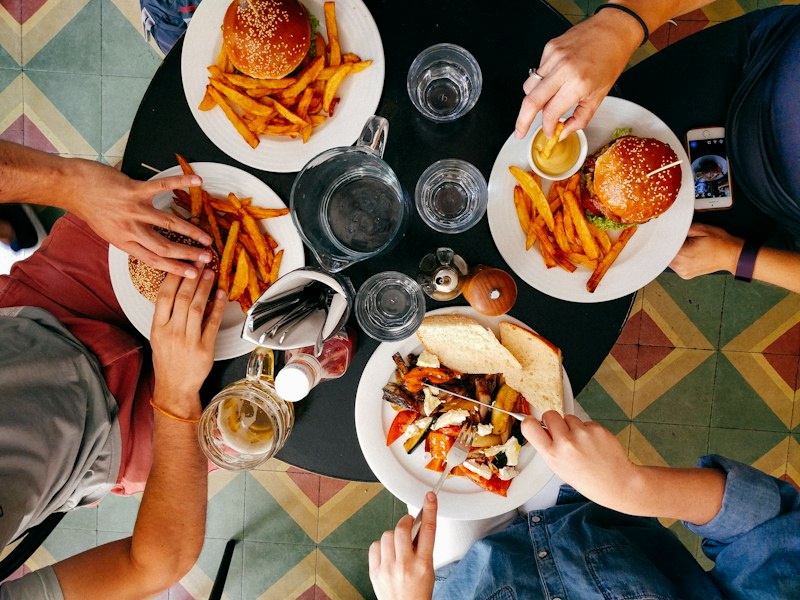
The Best QR Standee Placements for Restaurants
QR code standees are the gold standard for restaurants because they capture diners at their peak satisfaction — right after a great meal.
1. On Every Dining Table (Table Tents)
Place a small, sleek standee alongside your salt and pepper. While guests are waiting for their bill or finishing their drinks, they have their phones in hand. This is the absolute highest-converting spot.
2. Inside the Bill Folder
Include a QR code card directly inside the bill folder. It catches customers at the moment of transaction when they are already evaluating their experience.
3. Printed on Coasters
Great for pubs, bars, and casual spots. Coasters are touched constantly throughout the visit, presenting a subtle and fun cue to scan.
AI Drafts: Solving Reviewer's Block at the Table
Even a happy diner often doesn't know what to write. They get stuck staring at a blank screen and give up. Using **ReviewPro's AI drafts**, your guests get three pre-written, highly descriptive review suggestions based on their rating and your menu. They can copy, tweak, and paste into Google in under 5 seconds. It turns a chore into a fun click!
Hear About Kitchen Mistakes First
A slow kitchen, a cold soup, or a waiter having a bad day happens. A fair review flow lets the guest tell you first:
4-5 stars: the guest gets AI-assisted draft wording and goes to Google to post their review.
1-3 stars: the guest first sees a private feedback form that goes straight to the manager's email, so you can put things right. A "Go to Google review anyway" link is always at the bottom of the form, so the guest can post publicly if they prefer.
Your Restaurant Action Plan
📋 Quick-Start Checklist
- Place QR standees at your highest-traffic tables or POS counters.
- Connect ReviewPro to your Google Business Profile link.
- Enable AI dining review drafts.
- Check the private feedback form for 1-3 star ratings, and that the Google review link stays visible.
- Train your waitstaff to say: "If you loved the food today, scanning this table QR really helps our kitchen team!"
- Reply to all reviews on Google Maps to keep the profile fresh.
By making it effortless, fun, and secure for your diners to share their feedback, you can turn every dining table into a review-generating engine that keeps your restaurant booked week after week. Start with our restaurant and cafe review setup, and compare it with the retail and salon playbooks if you run more than one kind of outlet. ReviewPro is free for your first business.