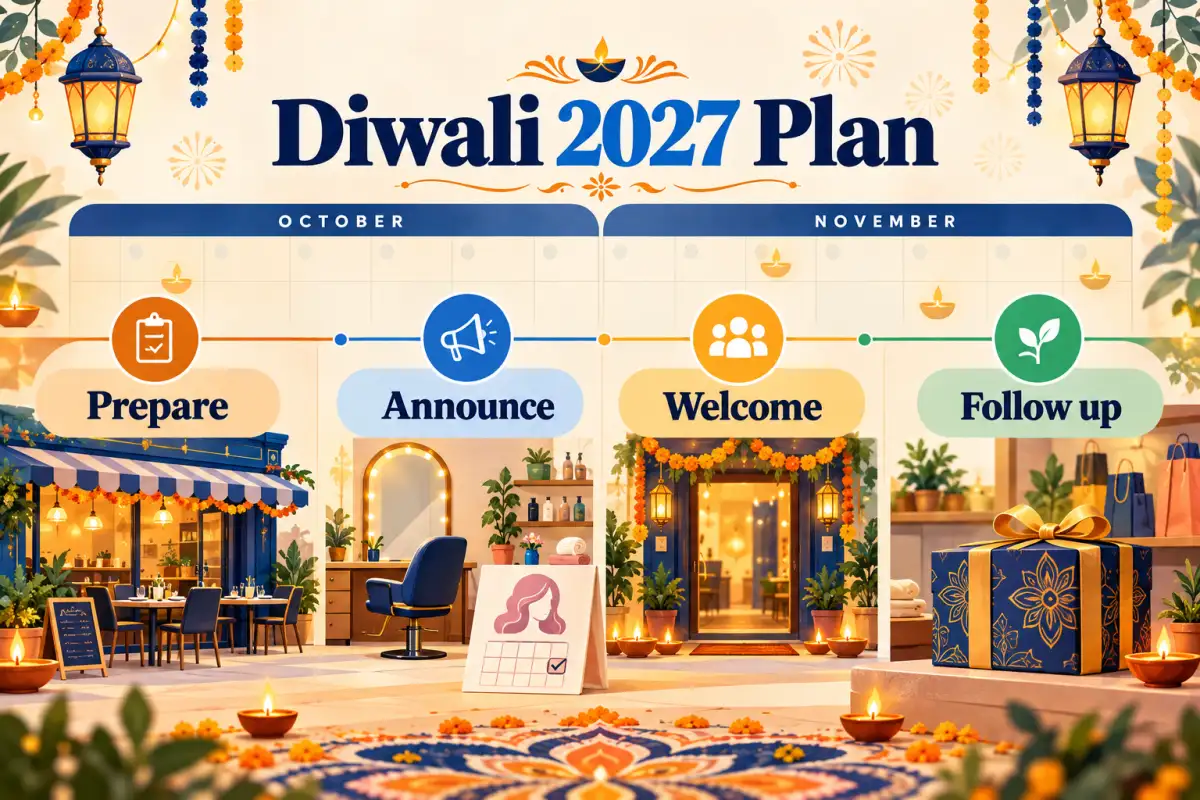
Quick answer: the strongest Diwali 2027 campaign is a helpful sequence, not one loud offer: prepare your details, announce one relevant update, make the visit easy, then ask for genuine feedback after the experience.
Pick one Diwali idea customers can use
Share the current festive menu, booking window, and holiday hours. Use a real dish photo, not a generic poster alone.
Show available festive appointment slots and the services you actually offer. Make the booking step easy to spot.
Publish confirmed hours, a gift collection, service availability, or arrival guidance—never an unverified promise.
Turn a poster into a customer journey
One-off poster
“Happy Diwali” appears once, without the details a customer needs to visit, book, or order.
- No clear time
- No useful next step
- Easy to forget
Helpful campaign
A concise update answers one practical question and sends the customer to one working next step.
- Confirmed hours or availability
- Current photo or menu
- Call, directions, booking, or catalogue link
Use a simple 2027 campaign stack
One campaign, three jobs
Give each touchpoint one clear job
Start with your Google Business Profile. Hours, directions, phone number, and the festive update should all agree.
Reuse one verified detail. Make it a poster and caption for social or WhatsApp, then send people to one action: call, directions, booking, or catalogue. After a genuine visit, you can invite every customer to leave an honest review if they wish.
- 01ProfileMake the visit details dependable.
- 02PosterShow one timely reason to act.
- 03Thank youInvite honest feedback after the experience.
What it looks like in practice
Pre-order by 25 Oct · Open till 11 pm
One poster, one message. Keep the hours and dates identical on social and your Google profile.
One working action. Link customers to the catalogue when pre-ordering is available.
After a real order, thank the customer first. Then make an honest review invitation easy to find:
Sharma SweetsHappy Diwali, Mrs. Gupta! Thank you for ordering your gift boxes with us. If you have a minute, we'd love your honest review on Google: [link] 🪔
Mrs. GuptaEveryone loved the kaju katli! Will do 😊
Every customer keeps the public Google review option. ReviewPro also provides a private feedback form for customers who first choose 1–3 stars, with a “Go to Google review anyway” link always shown.
Diwali 2027 launch check
Planning note: confirm the official 2027 festival calendar and your local operating dates before publishing customer-facing timings. Google's Business Profile guidelines are a useful reference for keeping profile information accurate.